
Hop.Earth
Hop.Earth CAPTCHA Not Working: Login Troubleshooting Guide
Hop.Earth CAPTCHA not working? Follow safe login troubleshooting for browser, mobile, cookies, VPN, and network issues. Fan-made Hop Earth Wiki guide, last reviewed 2026-09-21.
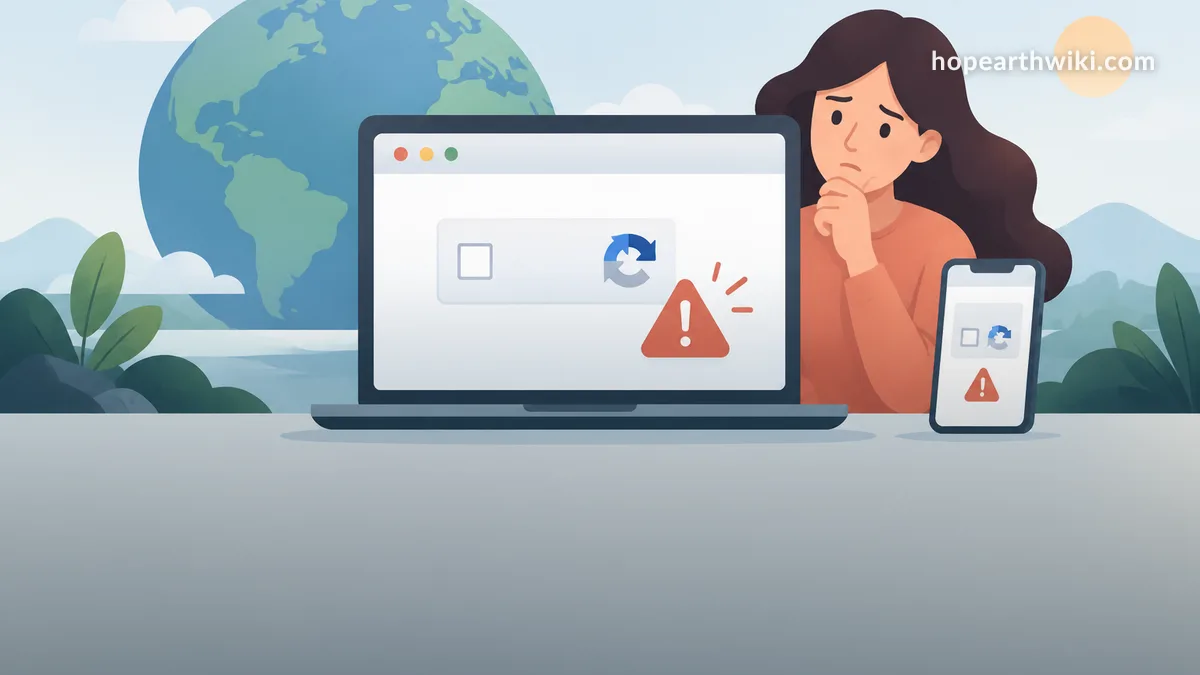
Hop.Earth CAPTCHA Not Working: Login Troubleshooting
If Hop.Earth CAPTCHA not working is blocking your login, you are not alone. The verification step on hop.earth can loop, fail silently, or reject a correct answer before you ever reach the spawn screen. This independent Hop Earth Wiki guide covers safe, verified troubleshooting for browser, mobile, and network problems, plus what to avoid. Last reviewed: 2026-09-21.
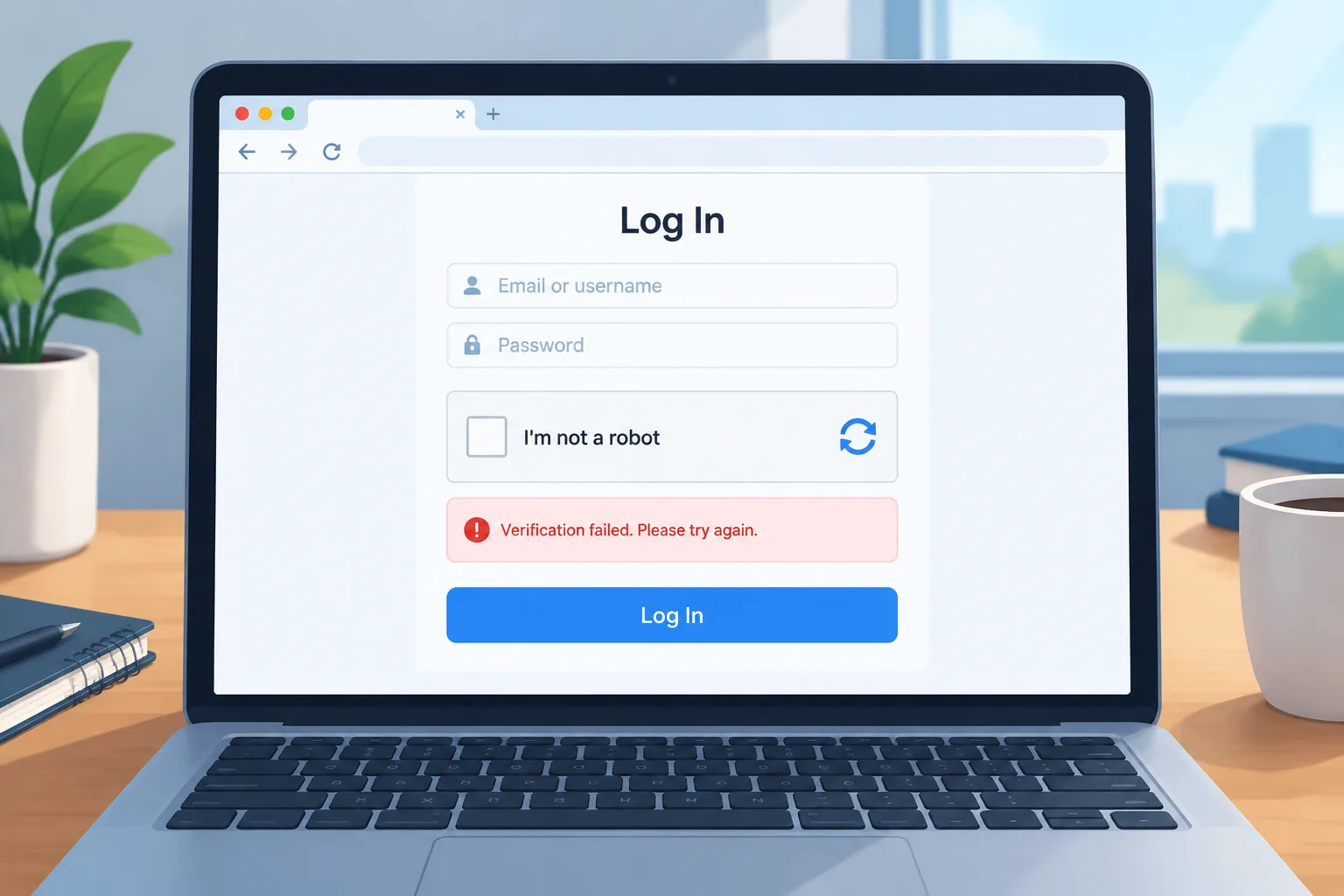
Hop Earth Wiki is fan-made and not affiliated with or endorsed by the developer (DVLPLONDON) or hop.earth. The steps below focus on restoring access through normal browser behavior. They do not describe bypasses, automation, or third-party login tools. For account-specific help, use the official Hop.Earth route.
What does Hop.Earth CAPTCHA not working usually mean?
It usually means the login or sign-up verification is not accepting your answer, is reloading in a loop, or is not appearing at all. In most cases the cause is a browser privacy setting, stale cookies, an extension, a VPN, or a temporary network problem - not a permanent account block. Start with a clean browser session, then retry slowly. For general game setup, see Hop.Earth basics.
Is the problem on Hop.Earth or on my device?
It can be either. Check hop.earth in a second browser and on a second network, such as mobile data instead of Wi-Fi. If the CAPTCHA works there, your original browser, extensions, or connection is the likely cause. If it fails everywhere with the same error, wait and retry later; the verification service or game may be having a temporary issue. Do not assume your account is banned based on a CAPTCHA loop alone.
Quick checklist: fix Hop.Earth CAPTCHA not working
Use this ordered checklist before changing deeper settings.
- Hard refresh the page with Ctrl+F5 on Windows or Cmd+Shift+R on Mac.
- Open hop.earth in a private or incognito window with extensions disabled.
- Allow cookies and JavaScript for hop.earth in your browser settings.
- Turn off ad blockers, script blockers, and privacy extensions for the site.
- Check that your system clock and time zone are set automatically.
- Disable VPN, proxy, or DNS filtering, then reload the page.
- Try a different browser such as Firefox, Chrome, Edge, or Safari.
- Try a different network: mobile data, a phone hotspot, or another Wi-Fi.
- Close duplicate Hop.Earth tabs and start a fresh login.
- Wait 10-15 minutes, then retry the official page once.
If the verification works, continue with the Hop.Earth basics guide, the Hop.Earth driving guide, or Hop.Earth multiplayer races. If you cannot sign in at all, you can still browse games like Hop.Earth while you wait.
Why the CAPTCHA may keep looping on Hop.Earth login
A loop usually happens when the browser cannot complete the verification handshake. Common causes include third-party cookies being blocked, a stale session from an old tab, aggressive privacy extensions, or a network that changes IP addresses mid-login. A VPN or proxy can also make the request look unusual to the verification system, so it may issue another challenge. The solution is not to solve faster; it is to make the browser environment consistent and predictable.
If you use multiple browser profiles, test the one with the fewest extensions. If you use a work or school device, its security software may block the challenge script. In that case, try a personal device on a normal home or mobile connection. For more browser and performance context, keep the Hop.Earth basics page open.
Browser settings that commonly break Hop.Earth login CAPTCHA
Cookies and site data
Blocking all cookies can prevent the verification from storing its result. Allow cookies for hop.earth, then clear only the site data for hop.earth and reload. Do not clear your entire browser history unless you want to sign in everywhere again.
JavaScript and secure context
The CAPTCHA needs JavaScript and a secure HTTPS connection. Check that JavaScript is enabled and that you are on the official https://hop.earth/ address. Avoid strange redirect links from social posts or shortened URLs.
Privacy extensions and script blockers
Ad blockers, anti-tracking tools, and script managers may treat the verification script as an ad or tracker. Disable them for hop.earth, or use a clean private window. Re-enable them one at a time if you need them for other sites.
VPN, proxy, and DNS
VPNs and proxies can cause extra verification checks. Turn them off for the login attempt. If you must use one, choose a stable server and avoid switching locations during login. DNS filtering tools can also block verification domains; test with a standard connection.
System clock and time zone
An incorrect clock can break secure sessions. Set your device to automatic date and time, then restart the browser. This is especially common on older phones, tablets, and virtual machines.
Hop.Earth login not working: other causes besides the CAPTCHA
Not every login failure is a CAPTCHA problem. If the page loads but your password is rejected, use the official password-reset route. If the CAPTCHA never appears, the page may be stuck on an earlier script or blocked by an extension. If the game loads but multiplayer is unavailable, that is a separate issue from verification. Review Hop.Earth multiplayer races for multiplayer-specific expectations, and use Hop.Earth basics for first-time setup.
Avoid guessing an account status. A failed CAPTCHA does not prove that an account is locked, banned, or deleted. Only official account support can confirm that.
Mobile browser fixes for Hop.Earth CAPTCHA
Mobile browsers add their own variables. Try these steps:
- Switch from Wi-Fi to mobile data, or the reverse.
- Close background apps that may use a VPN or private DNS.
- Update your browser from the app store.
- Use the browser default mode instead of a reader or lite mode.
- Disable content blockers in Safari or Chrome mobile.
- Restart the phone if the page freezes during verification.
Hop.Earth is playable in mobile browsers, but performance depends on device memory and connection quality. For driving controls and map loading on smaller screens, see the Hop.Earth driving guide. If you are only exploring, games like Hop.Earth may run more smoothly on older phones.
What not to do when Hop.Earth CAPTCHA fails
Do not use CAPTCHA-solving services, browser automation, or unofficial login tools. They can expose your credentials, violate platform rules, and make future verification harder. Do not share your password or session cookies with anyone offering a fix. Do not download browser extensions that claim to skip Hop.Earth verification.
Verified mechanics vs community-reported fixes
The table below separates what the page visibly requires from fixes that players commonly report. Community reports are useful starting points, but they are not guarantees.
| Item | Status | What it means for you |
|---|---|---|
| CAPTCHA appears during login or sign-up | Verified page behavior | Complete it normally; do not bypass it. |
| Clearing site cookies can stop a loop | Community-reported | Try it after a hard refresh. |
| VPNs can trigger extra checks | Community-reported | Disable VPN during login. |
| Private windows often work | Community-reported | Use a clean session with extensions off. |
| A CAPTCHA loop equals a ban | Unverified | Do not assume; contact official support if needed. |
When to contact official Hop.Earth support
If you have tried a clean browser, a second network, and a second device, and the CAPTCHA still fails, use the official Hop.Earth site for account help. Do not rely on random social media accounts or unofficial forms. The official route is the only place that can confirm account status or service issues.
Start at the official Hop.Earth link. For general preparation before you sign in, review Hop.Earth basics. Once access works, you can explore the Hop.Earth driving guide and Hop.Earth multiplayer races.
FAQ
Why is Hop.Earth CAPTCHA not working on my phone?
Mobile CAPTCHA failures are often caused by content blockers, private DNS, a weak connection, or an old browser version. Switch networks, update the browser, disable blockers for hop.earth, and retry in a normal tab rather than a lite or reader mode.
Does clearing cookies fix Hop.Earth CAPTCHA?
Sometimes. Clearing only hop.earth site data can remove a stale verification session. After clearing, allow cookies for the site and reload the official page. If the problem continues, test a private window or another browser.
Can I skip the Hop.Earth CAPTCHA?
No. Skipping verification is not an official option. Tools that claim to skip it can risk your account and personal data. Fix the browser, network, or device environment instead, and use the official site.
Is Hop.Earth down if the CAPTCHA fails?
Not necessarily. A CAPTCHA failure can happen even when the game is online. Test another browser or network first. If every device and network fails at the same time, wait and retry later, then check official channels for service updates.
How long should I wait before retrying?
Wait at least 10-15 minutes after several failed attempts. Repeated rapid attempts can make the verification system more suspicious. Use the pause to clear site data, check your clock, and disable VPNs or extensions.
Why does Hop.Earth login not working after a correct password?
A correct password can still fail if the verification step does not complete. The browser may be blocking cookies or scripts needed to finish login. Clear site data, allow cookies, disable extensions, and try a clean session before assuming the password is wrong.
Related Hop Earth Wiki pages
What to do next
Fix the environment first: clean browser, cookies allowed, extensions off, VPN disabled, and a stable network. Then retry the official Hop.Earth link. If login still fails, use official account help rather than a bypass. For more player-first guides, start with Hop.Earth basics and return to the wiki when you are ready to drive or race.