
hop earth early access
Hop.Earth Early Access: Current Availability and What to Expect
A dated, verified look at Hop.Earth early access: current browser availability, access steps, troubleshooting, and FAQ for new players.

Hop.Earth Early Access: Current Availability and What to Expect
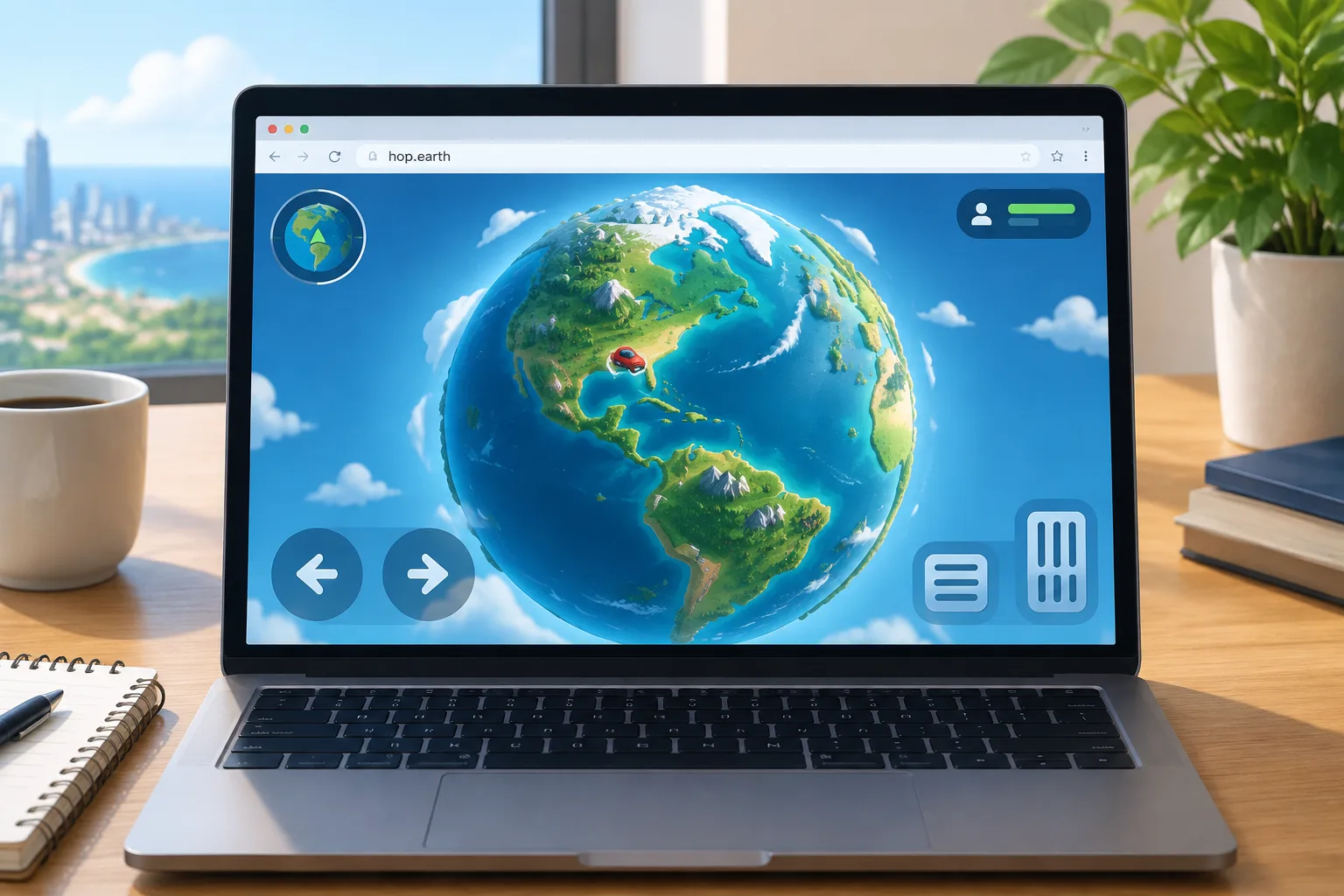
As of 2026-09-21, Hop.Earth early access is best understood as a public browser release rather than a closed invite program. The official entry point at hop.earth opens the game directly in supported browsers, and the page does not present a separate purchase, access key, or gate. If you can load the site, you can test the current build. This page was verified on 2026-09-21 against the official Hop.Earth entry point and the wiki’s fact-sources policy. If you are new, Hop.Earth basics explains the core loop.
Is Hop.Earth in Early Access Right Now?
As of 2026-09-21, Hop.Earth is not gated behind a paid early-access tier on its official entry point. The game is playable in a supported browser through hop.earth, and the site does not show an invite-only screen or waitlist in front of the main experience. Label it “early access” only if you mean “in active development,” not “requires a key.”
Availability can change without a large announcement, so treat the live official page as the source of truth. The table below summarizes the practical status at the date above.
| Item | Status on 2026-09-21 | How to check |
|---|---|---|
| Public browser play | Open through the official entry point | Visit hop.earth in a modern browser |
| Paid early-access tier | No separate paid tier shown on the official page | Look for a store or purchase gate |
| Invite key or waitlist | No key gate or waitlist shown at the main entry | Check the first screen before the game loads |
| Mobile browser play | Possible but device-dependent | Test on your phone and compare with a desktop |
| Multiplayer sessions | Available when in-game sessions are live | Use the multiplayer races guide |
If the official page shows a different state when you visit, follow that live page. This wiki labels time-sensitive availability with the date it was checked.
How Do You Access Hop.Earth Today?
Access Hop.Earth by opening the official site in a modern browser, allowing the WebGL canvas to load, and using the on-screen controls. There is no separate store download or invite step shown on the official page. For a detailed control walkthrough, use the driving guide; for group play, see multiplayer races.
A practical access check:
- Open a current version of Chrome, Edge, Firefox, or Safari on a desktop or laptop.
- Go to the official Hop.Earth entry point at hop.earth.
- Allow the page to load fully. A black or blank canvas usually means WebGL is still starting or the browser is blocking it.
- If the game loads, test movement and camera controls before changing settings.
- If the game does not load, try another browser, disable heavy extensions, and test a different network.
- For first-session goals, read what is Hop.Earth so you know what the browser build is designed to do.
What Should You Expect From the Current Hop.Earth Build?
Expect a browser-first experience that streams real-world map data, so load times and frame rates depend on your device and network. The current build is playable, but it is still evolving; treat community reports about missing features as unverified until the official page or in-game UI confirms them.
Browser Performance and Hardware
Hop.Earth is not a small 2D web game. It uses real-world map data and elevation, which means the browser has to download, decode, and render a lot of geometry. A laptop with a dedicated GPU or a recent integrated GPU will usually feel smoother than an older office machine. Close other tabs, avoid battery-saver mode, and keep the browser updated.
Map Detail and Real-World Data
The map is built from real-world data, so dense cities, coastlines, and mountain roads can look very different from open desert. If an area looks unfinished, it may be a data or streaming issue rather than a missing game feature. Compare your view with the official page and the Hop.Earth basics section before assuming the map is broken.
Multiplayer and Races
Multiplayer depends on live sessions and the current build. When races are available, they are the fastest way to see how handling and network latency affect play. If you cannot join a race, first confirm the game is running smoothly in single-player, then review the multiplayer races guide. Do not assume a failed join means your account is blocked; availability can be session-based.
Mobile Browser Play
Mobile browser play is possible on some devices, but it is not the most consistent way to play. Touch controls, smaller screens, and thermal throttling can make driving harder. If you only have a phone, test the official site first, then compare your experience with the desktop notes in the driving guide. This is a practical expectation, not a guarantee for every phone.
Why Do People Call It Early Access?
People call Hop.Earth early access because it is playable while the project is still being developed. The label describes development state, not a paid beta or an invite wall. Community posts often use “early access” loosely, so check the official entry point before assuming a key is required.
The confusion usually comes from three places:
- The game is browser-based, so there is no store page with a clear “buy” or “download” button.
- The project changes over time, which makes older videos and posts look like they describe a different game.
- Players use “early access” to mean “not finished,” while studios sometimes use it to mean “paid pre-launch.” Hop.Earth’s official entry point is the only reliable place to check which meaning applies.
If you enjoy the current build and want similar browser experiences, the games like Hop.Earth page compares the feel of map-based driving games without claiming they are official partners.
How Can You Tell If Hop.Earth Is Down or Your Setup Is the Problem?
Start by opening the official site in a second browser or device. If it loads there, the issue is likely your browser, extensions, or network. If it fails everywhere, the game may be temporarily unavailable; check again later and review the Hop.Earth not working checklist.
Common causes and fixes:
| Symptom | Likely cause | What to try |
|---|---|---|
| Blank canvas | WebGL not initialized or blocked | Update browser, enable hardware acceleration, reload |
| Very low frame rate | Heavy map area or weak GPU | Move away from dense areas, lower window size, close tabs |
| Loads but controls fail | Focus or input issue | Click the game canvas first, then retry keyboard or touch input |
| Works on one network, not another | Firewall, proxy, or school/work network | Test a home or mobile hotspot connection |
| Multiplayer join fails | Session not live or network mismatch | Confirm single-player works, then retry later |
These are practical troubleshooting steps, not official support promises. If the official page itself is unavailable, wait and check again rather than searching for unofficial access pages.
What Is Verified vs Community Interpretation?
The table below separates what was verified on 2026-09-21 from what players commonly assume. Verified items come from the official entry point and the wiki’s fact-sources policy. Community interpretation is useful for troubleshooting, but it should not be treated as an official roadmap.
| Claim | Status on 2026-09-21 | Notes |
|---|---|---|
| Hop.Earth is playable in a browser | Verified | The official entry point presents the game as playable |
| A paid early-access tier is required | Not shown | No purchase gate was present at the main entry |
| An invite key is required | Not shown | No key entry gate was present at the main entry |
| Mobile play works well on every phone | Unverified community expectation | Device, browser, and thermals vary |
| Multiplayer is always available | Unverified community expectation | Sessions and live availability can change |
| “Season Zero” is the current official label | Community label | Check the official page and in-game UI for current wording |
Use the verified column for decisions about access. Use the community column for troubleshooting and for understanding why search results may disagree.
Hop.Earth Early Access FAQ
Is Hop.Earth in early access?
As of 2026-09-21, Hop.Earth early access is not presented as a closed or paid program at hop.earth. The game opens in a supported browser, so the practical answer is that public access is the current state. If the official page changes, that live page overrides this wiki snapshot.
Is Hop.Earth free to try?
The official browser entry point does not show a separate paid early-access tier at the time of verification. That means you can test the current build without a store purchase. Any future pricing or access change would appear on the official site, not in community posts.
Why is Hop.Earth sometimes called early access?
People use “early access” to describe games that are playable while still being developed. Hop.Earth fits that loose label because it is an evolving browser project. It does not necessarily mean there is an invite-only program, a paid beta, or a fixed launch window.
What should I do if Hop.Earth will not load?
First, try the official site in an up-to-date desktop browser. Disable heavy extensions, close extra tabs, and test another network. If the page still fails, compare with our Hop.Earth not working checklist. Do not use unofficial access pages; they are not part of the game’s access model.
Does Hop.Earth work on mobile?
It may load on some mobile browsers, but performance depends on the device’s GPU, browser, and network. Desktop browsers generally give the most consistent experience. For control differences, see the driving guide. This is a practical expectation, not a guarantee for every phone.
What to Do Next
If you are ready to test current availability, open the official Hop.Earth link at https://hop.earth/. Start with the browser build, confirm that the map loads, and then decide whether you want to practice driving or join multiplayer.
For a structured next step:
- Read what is Hop.Earth to understand the core loop.
- Use driving tips to improve control before you race.
- Check multiplayer races when you want to play with others.
- Browse games like Hop.Earth if you want similar browser driving experiences.
Availability is time-sensitive. This wiki verified the public status on 2026-09-21, and the live official page always takes priority. If the official page changes, treat this article as a dated snapshot and update your expectations from the source.