hop earth
What Is Hop.Earth? The Browser Game That Turns Earth Into a Driving World
Discover what Hop.Earth is: a free browser game that lets you drive on real-world maps using OpenStreetMap data and satellite imagery. Learn how to play, driving tips, multiplayer, mobile play, and troubleshooting in this complete guide.
What Is Hop.Earth? The Browser Game That Turns Earth Into a Driving World
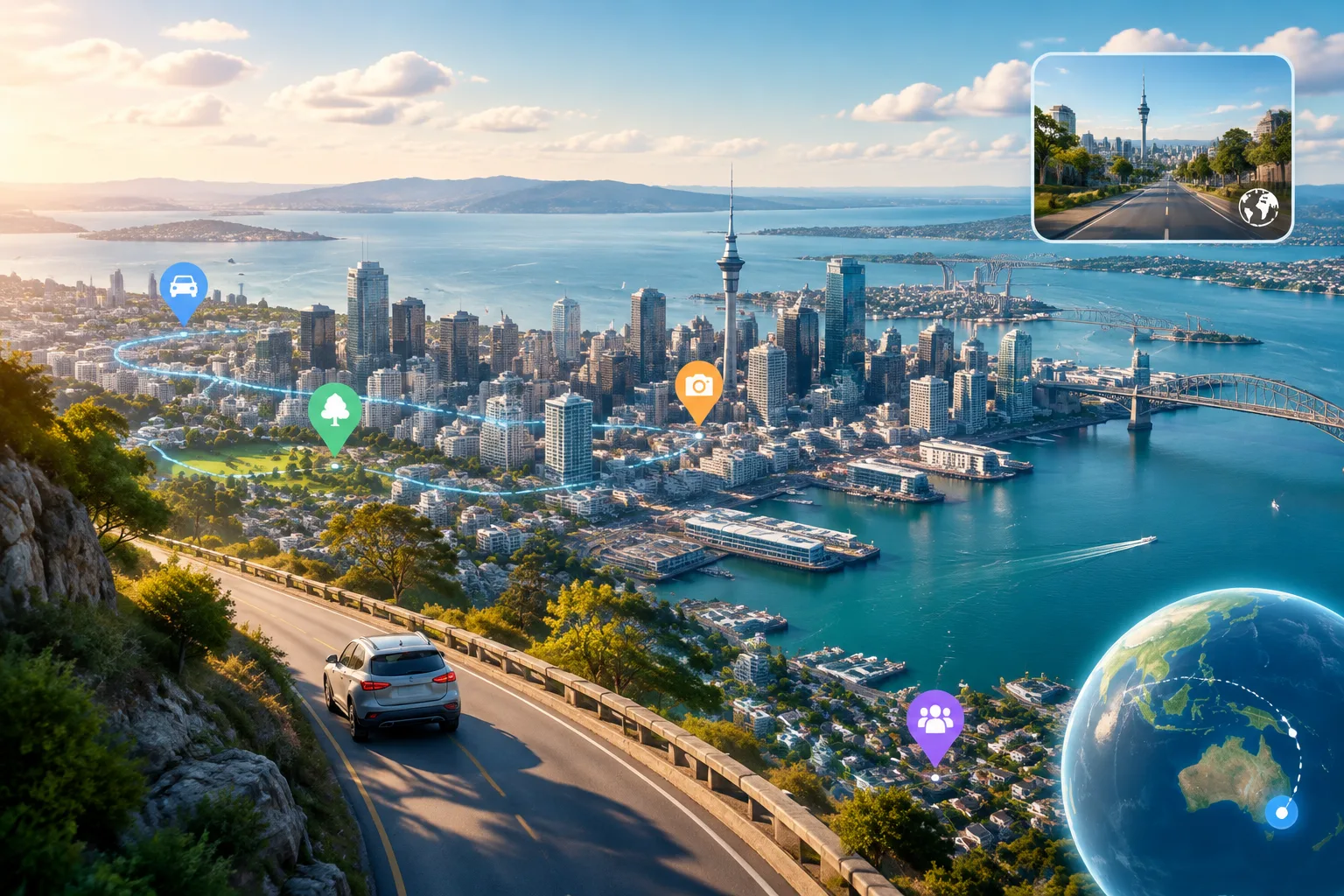
Hop.Earth is a browser-based driving simulator that brings the real world to your screen. Using data from OpenStreetMap and satellite imagery, players can hop into vehicles and drive across cities, roads, and landscapes worldwide. This unique game combines real-world mapping with arcade-style driving physics, multiplayer racing, and community features.
What is Hop.Earth?
Hop.Earth is an independent browser game developed by DVLPLONDON that transforms the Earth into a drivable world. It streams real-time map data from OpenStreetMap, complete with satellite elevation and imagery, allowing players to explore and interact with the planet as if they were driving it themselves. The game emphasizes accessibility, with support for multiple devices and a focus on fun, casual gameplay.
The core appeal lies in its ability to turn abstract map data into an immersive driving experience. Players can choose different cars, customize their experience, and join in with friends or compete in global races. As of its launch, it introduced Season Zero, a special mode that set the foundation for ongoing updates and community engagement.
For more on the basics of Hop.Earth, the wiki offers comprehensive overviews.
How to Play Hop.Earth
To begin playing Hop.Earth, navigate to the official website at hop.earth and select the play option. The game runs entirely in the browser, so no installation is needed. It supports a wide range of devices, from desktops to smartphones.
Setting Up Your First Session
Upon loading, you'll be greeted with a global map view. Use your mouse or touchscreen to pan and zoom across different regions. To start driving, locate a suitable area and click to summon a car. Once inside, use arrow keys or on-screen buttons to control speed, direction, and camera.
The interface is clean and intuitive, with a focus on immersion. Satellite layers can be toggled for better visibility of landmarks and roads.
Essential Controls
- Movement: Arrow keys or WASD for forward, backward, left, right.
- Camera: Mouse drag or touch swipe to change view.
- Actions: Spacebar or tap to accelerate, brake, or handbrake.
- Respawn: Use the parachute button to drop to a new location if stuck.
For a deeper dive into driving mechanics, see the dedicated wiki guide.
Sample Gameplay Scenario
Let's take a practical example: You're in Tokyo. Zoom into the bustling streets of Shibuya. Summon a classic sports car and navigate through the crowded intersections. The game accurately reflects real traffic patterns, making each drive feel authentic. You can even try drifting around corners or speeding along the elevated highways.
Hop.Earth Driving Mechanics
Understanding the driving system is key to enjoying Hop.Earth. The game uses real-world map data streamed in real-time, ensuring that every road, intersection, and elevation is accurate.
Vehicle Handling and Physics
Cars in Hop.Earth have unique handling characteristics. Some are better for city driving, others for highways. Learn to drift, accelerate, and navigate turns by practicing in open areas. The physics engine simulates real driving sensations, from tire grip to speed limits.
Practical tip: On highways, maintain a steady speed to avoid accidents. In traffic, anticipate turns based on the map data.
See driving tips for more advanced techniques.
Notable Locations and Routes
Hop.Earth features iconic places like the Golden Gate Bridge, the Great Wall of China, and busy European cities. Players often share routes for scenic drives or challenges. For example, a popular route might take you from London to Paris, showcasing the Channel Tunnel area.
Hop.Earth Driving Tips
Mastering driving in Hop.Earth requires understanding the interplay between map data, vehicle physics, and player input. Here are some practical tips to enhance your experience.
Mastering Vehicle Selection
Different cars offer varied performance. Sports cars excel in acceleration and handling, while trucks are better for carrying loads or rough terrain. Experiment with a few to find your favorite. For instance, a Ferrari might be perfect for city sprints, whereas a pickup truck shines in rural areas.
Navigating Real-World Maps
The game's use of OpenStreetMap ensures high accuracy. Pay attention to speed limits, one-way streets, and elevation changes. In hilly regions like the Alps, anticipate gear shifts and braking for safe descents. Satellite imagery helps identify landmarks, such as famous buildings or natural features, to guide your route.
Advanced Driving Techniques
- Drifting: Use handbrake in corners to slide around turns for better control.
- Racing Lines: Learn optimal paths by watching other players or practicing in empty zones.
- Time Trials: Challenge yourself to complete routes faster using the game's timing features.
For driving tips, the wiki provides in-depth tutorials and examples.
Multiplayer Racing in Hop.Earth
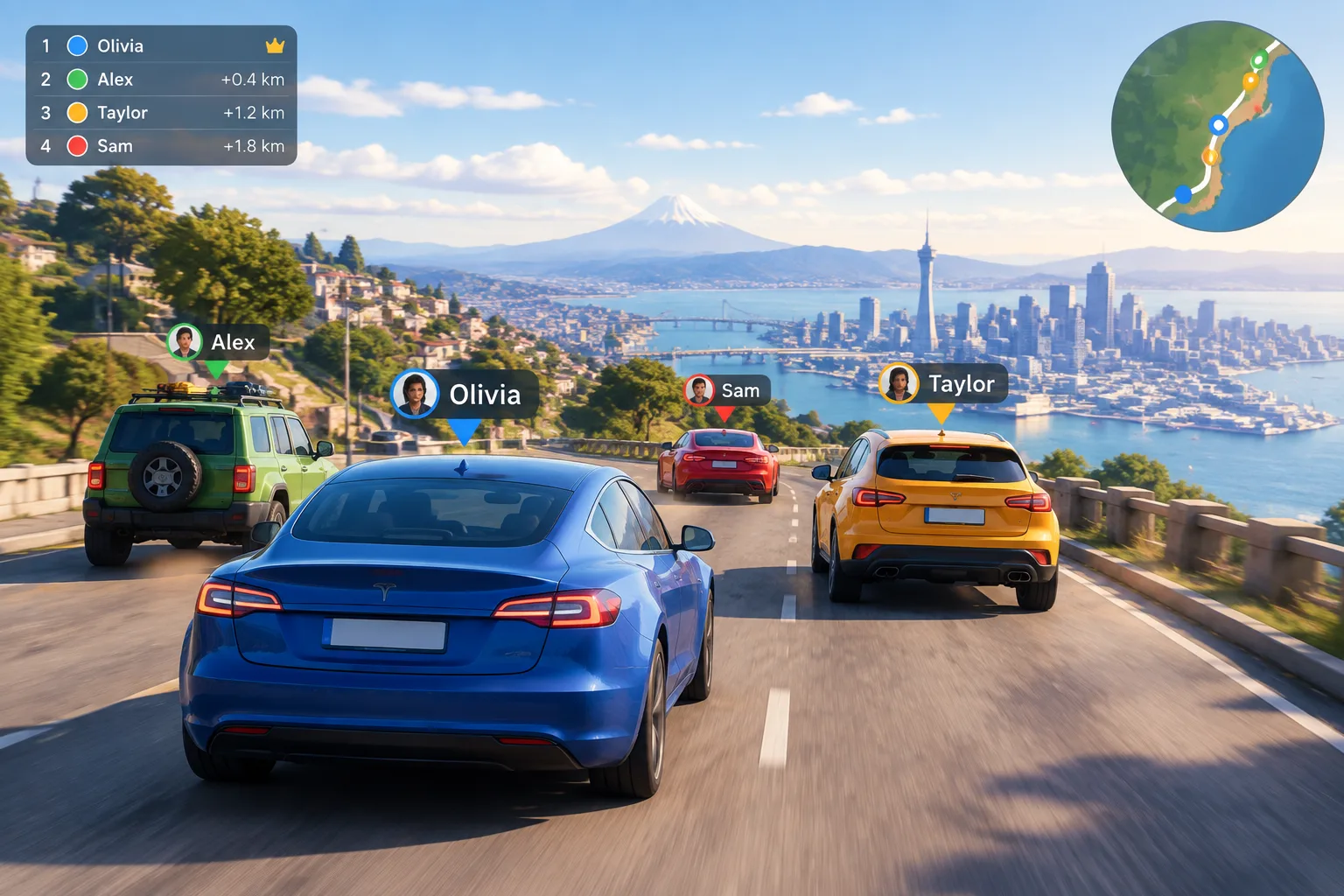
Hop.Earth's multiplayer mode allows players to compete in races, team up for events, or simply enjoy casual drives together. The system supports real-time synchronization, so everyone sees the same map and events.
Joining Multiplayer Sessions
Create or join a race lobby from the main menu. Invite friends via in-game chat or shareable links. The game automatically matches you with others based on skill level or region.
Season Zero Highlights
Season Zero launched the game with core multiplayer features and special limited-time events. It featured unique rewards like exclusive vehicles and cosmetic items. Future seasons continue this tradition with new content, balancing updates, and community-driven challenges.
Players often form clans or groups for organized races. The social aspect adds a layer of fun, with voice chat and emotes available in some modes.
Explore multiplayer strategies in the wiki for more insights.
Playing Hop.Earth on Mobile Devices
The mobile version of Hop.Earth brings the driving experience to your pocket. Optimized for touch controls, it allows seamless gameplay on the go.
Mobile Controls and Optimization
Tap the screen to summon cars and swipe to steer. The interface scales well on different screen sizes. Battery life and data usage are considerations, but the game is designed to be efficient.
Common Mobile Issues
If Hop.Earth is not working on mobile, try switching browsers, updating the app, or ensuring strong Wi-Fi. The game may have slight performance differences compared to desktop due to hardware limitations.
For mobile-specific guides, check the wiki resources.
Troubleshooting Hop.Earth
Hop.Earth is generally stable, but players may encounter occasional issues. Here are solutions for common problems.
Connectivity Problems
If the map doesn't load or streams slowly, verify your internet connection. Use wired connections for desktops and ensure mobile data is not throttled.
Controls and Input Issues
Reset controls in settings if they feel off. On mobile, check for screen protector interference or recalibrate touch sensitivity.
Performance Fixes
Clear browser cache, disable extensions, or update your graphics drivers. For "Hop.Earth not working" errors, restarting the browser or device often resolves them.
See the troubleshooting section for detailed steps.
FAQ
What is Hop.Earth?
Hop.Earth is a browser game that lets players drive on real-world maps using OpenStreetMap data and satellite imagery.
How to play Hop.Earth?
Visit hop.earth, summon a car on the map, and drive using keyboard or touch controls.
Is Hop.Earth available on mobile?
Yes, Hop.Earth works on mobile browsers with touch-adapted controls.
What are some driving tips for Hop.Earth?
Practice vehicle handling, use satellite view, and learn real map features like speed limits and one-ways.
Does Hop.Earth have multiplayer?
Yes, with real-time races and ongoing seasons like Season Zero.
Why might Hop.Earth not be working?
Common fixes include checking internet, refreshing the page, or clearing cache.
What vehicles are available in Hop.Earth?
The game features a variety of cars with different stats, from sports to utility vehicles.
Can I customize my car in Hop.Earth?
Customization options may include colors and decals, depending on updates.
Conclusion
Hop.Earth stands out as a creative browser game that merges real-world geography with interactive driving. Its blend of authenticity, accessibility, and social features makes it appealing to a broad audience. Whether you're exploring local streets or planning global adventures, the game delivers an unforgettable experience.
To get started, visit the official Hop.Earth website. For additional resources and community insights, browse the Hop Earth Wiki. Happy driving!