
hop earth driving tips
Hop.Earth Driving Tips: Handling the Real-World Map
Learn practical Hop.Earth driving tips for handling the real-world map, improving vehicle control, choosing routes, and understanding verified mechanics versus community strategies.
Hop.Earth Driving Tips: Handling the Real-World Map
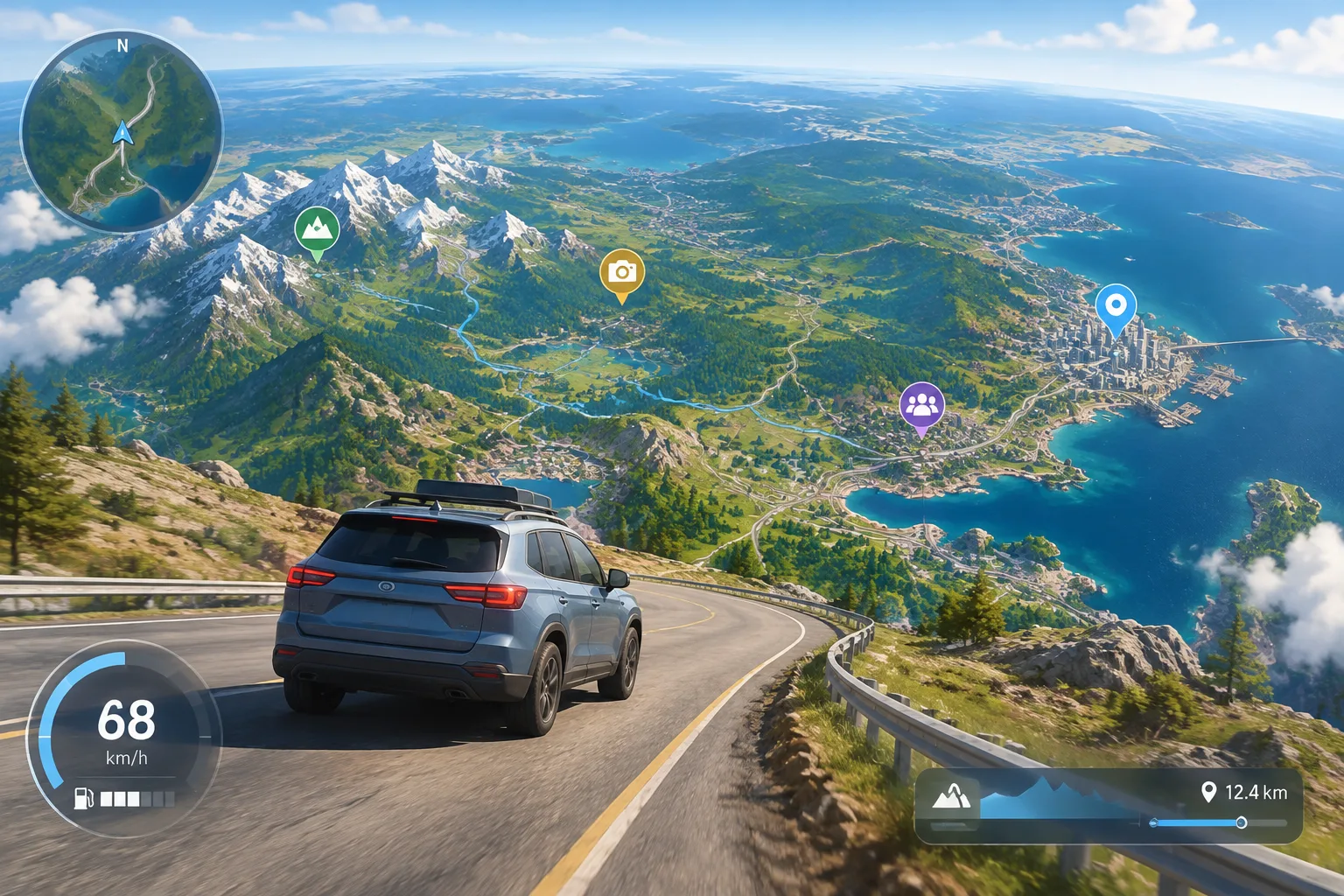
Hop.Earth driving tips are mainly about learning how to handle a vehicle inside a world built from real-world map data. The game combines a drivable Earth concept with navigation, exploration, and multiplayer activities, meaning successful driving is less about memorizing a fixed track and more about adapting to changing terrain, roads, and surroundings.
This guide explains verified game concepts, practical driving approaches, and community strategies that can help players become more comfortable behind the wheel. Some techniques are based on general gameplay experience patterns and should be treated as player strategies rather than confirmed mechanics.
What is Hop.Earth and how does the driving system work?
Hop.Earth is a browser-based driving game built around a real-world map concept. Players explore an Earth-scale environment where locations are connected to geographic data rather than traditional fictional racing tracks. The game experience focuses on movement, discovery, and driving across a large virtual representation of the planet.
The environment concept relies on real-world geographic information, including map and terrain-style data sources. Open mapping platforms such as OpenStreetMap provide examples of how digital maps can represent roads, locations, and geographic features.
For players looking for the basics before improving their driving, the [[Hop.Earth basics guide]](/basics) provides a useful starting point for understanding the game structure.
How can you improve your Hop.Earth driving skills?
Improving in Hop.Earth starts with understanding that every route can require a different approach. A player driving through a dense urban area may need careful steering and route awareness, while open terrain may reward smoother movement and better momentum control.
The most important driving habits are:
- Learn how your vehicle responds before attempting difficult routes.
- Avoid making sudden direction changes at high speed.
- Study the environment ahead instead of reacting at the last moment.
- Practice on different types of terrain.
- Adjust your driving style depending on whether you are exploring or competing.
Practice with controlled movements
New players often focus on speed first, but control is usually more valuable. Smooth acceleration, predictable turns, and careful positioning help prevent mistakes when the environment changes.
A useful practice method is to choose a familiar area and repeat short routes. Instead of trying to travel as far as possible, focus on learning:
| Skill | Practice Goal |
|---|---|
| Steering | Make consistent turns without overcorrecting |
| Speed control | Maintain movement without losing control |
| Navigation | Follow routes while watching surroundings |
| Terrain awareness | Adapt to different environments |
How do you handle the real-world map in Hop.Earth?
The real-world map is one of Hop.Earth’s defining features. Unlike a traditional racing game with designed circuits, players must understand that geography influences the driving experience. Roads, terrain, and location changes can affect how players approach movement.
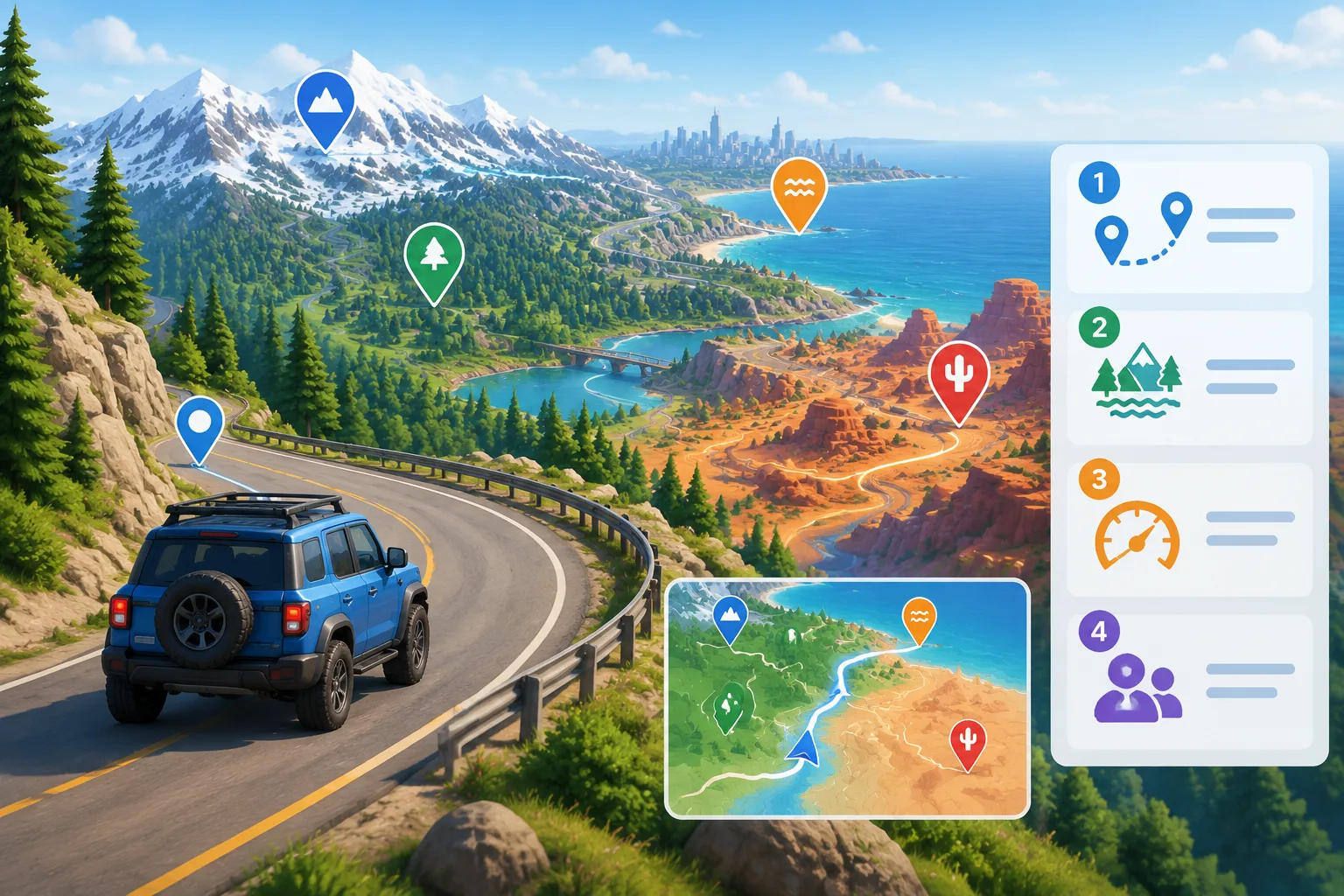
Use the map as a navigation tool, not just a destination list
Many players approach large maps by focusing only on where they want to arrive. A stronger strategy is to think about the journey itself.
Before starting a longer drive, consider:
- Where the route begins.
- What type of environment appears along the way.
- Whether the path requires careful control or faster movement.
- Whether you are exploring alone or preparing for multiplayer activity.
The best routes are not always the shortest ones. Sometimes a slightly longer path offers easier terrain or better visibility.
What are the best Hop.Earth handling tips for beginners?
Beginners should focus on consistency rather than speed. Handling skills develop through repeated practice because the player needs to understand how the vehicle behaves in different situations.
Here are practical beginner tips:
1. Avoid aggressive steering
Rapid steering changes can make vehicles harder to control. Try making smaller adjustments and keeping your direction predictable.
2. Slow down before difficult sections
A common mistake in driving games is waiting until a problem appears before reducing speed. Lowering speed before a challenging area gives you more time to react.
3. Explore different locations
Because Hop.Earth uses a real-world map concept, different places can provide different driving challenges. Exploring multiple areas helps players develop flexible skills instead of relying on one familiar route.
4. Learn from multiplayer races
Competitive modes can reveal areas where your driving technique needs improvement. Watching how other players approach routes may provide ideas, although individual strategies are not official mechanics.
Which Hop.Earth driving strategies are verified and which are community tips?
Hop.Earth players often share advice about routes, handling, and optimization. However, not every community suggestion is officially confirmed.
The following distinction helps separate known concepts from player strategies:
| Topic | Status | Explanation |
|---|---|---|
| Real-world map concept | Verified game concept | The game is built around Earth-based map exploration. |
| Driving practice improves control | General gameplay principle | Common across driving games. |
| A specific route always being fastest | Community strategy | Depends on conditions and future game changes. |
| Certain techniques producing guaranteed results | Unverified | Requires official confirmation. |
Players should treat community discoveries as helpful experiments rather than guaranteed rules.
How can you prepare for Hop.Earth multiplayer driving?
Multiplayer driving requires a different mindset from solo exploration. A player who only focuses on speed may struggle if they cannot adapt to changing routes or unexpected situations.
For multiplayer preparation:
- Practice consistent driving before competing.
- Learn to recover from mistakes quickly.
- Explore unfamiliar areas to improve adaptability.
- Focus on clean movement rather than risky shortcuts.
For more information about competitive features and related activities, visit the [[Hop.Earth multiplayer section]](/multiplayer).
How do you improve Hop.Earth performance on mobile?
Hop.Earth mobile play depends on factors such as browser performance, device capability, and internet connection quality. Players experiencing problems should first check basic performance conditions.
Common troubleshooting steps include:
- Closing unnecessary browser tabs.
- Ensuring the browser is updated.
- Checking network stability.
- Reducing background applications.
- Restarting the browser if performance drops.
Performance issues are not always caused by the game itself, so checking local device conditions is a useful first step.
Players interested in broader gameplay information can also explore the [[Hop.Earth games and related experiences section]](/games-like).
Frequently Asked Questions
Is Hop.Earth based on a real map?
Hop.Earth uses a real-world map concept that allows players to experience a digital Earth environment. Specific implementation details may change, so players should check official information for the latest updates.
Are there official Hop.Earth driving codes or redeem codes?
No official redeem-code system is documented in the available game information. Players should avoid websites claiming to provide working codes unless confirmed by official sources.
What is the best way to get better at Hop.Earth driving?
The best approach is regular practice across different environments. Focus on smooth control, route awareness, and adapting your driving style instead of only chasing maximum speed.
Does Hop.Earth have multiplayer features?
Hop.Earth includes multiplayer-related gameplay features. Players should check current official information because game modes and features can change over time.
Where can I learn more about Hop.Earth?
The official game website at https://hop.earth/ is the best place to check official announcements and access the game.
Final Hop.Earth driving tips to remember
Good Hop.Earth driving comes from understanding the environment and building reliable habits. The real-world map creates a different challenge from traditional racing games because players must adapt to changing locations rather than memorizing a single track.
Start with controlled driving, explore different areas, and gradually experiment with faster routes and multiplayer strategies. For more guides covering mechanics, fixes, and game information, continue exploring the Hop Earth Wiki sections or visit the official Hop.Earth website to play.