
Hop.Earth mobile
How to Play Hop.Earth on Mobile: Setup and Performance Tips
Learn how to play Hop.Earth on mobile browsers with setup steps, performance improvements, connectivity fixes, and practical driving tips for a smoother experience.
How to Play Hop.Earth on Mobile: Setup and Performance Tips
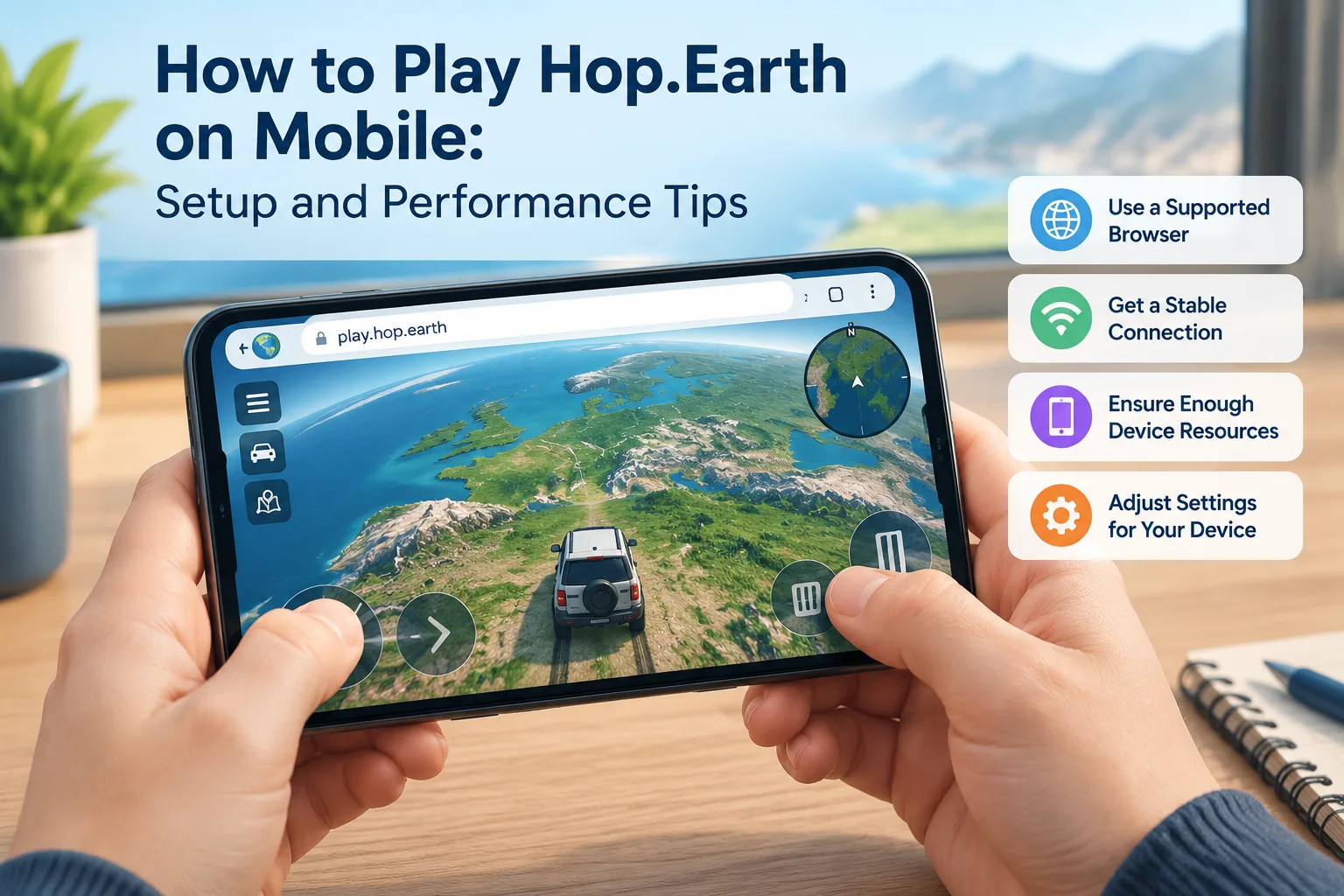
Playing Hop.Earth on mobile is possible through a modern phone browser, allowing players to explore a drivable version of Earth without needing a traditional game console or desktop computer. The best experience depends on using a supported browser, a stable connection, enough device resources, and settings that match your phone’s capabilities.
This guide explains how to play Hop.Earth on mobile, how to improve performance, and what to check when the game does not load correctly. The information below separates known game concepts from general player strategies that may vary between devices and updates.
How do you play Hop.Earth on a phone?
Hop.Earth can be played on a phone by opening the game website in a mobile browser, allowing the page to load its interactive world, and using touchscreen controls to explore. A current browser, reliable internet connection, and a reasonably capable smartphone usually provide the foundation for a smoother session.
To start playing on mobile:
- Open a mobile browser such as Chrome, Safari, Edge, or another modern browser.
- Visit the official Hop.Earth website at https://hop.earth.
- Wait for the game world and interactive elements to load.
- Allow any required browser permissions, such as motion or touch-related features if requested.
- Begin exploring, driving, and learning the controls.
Hop.Earth uses real-world map data and terrain information to create an explorable Earth environment. Players who want to understand the broader game systems can also explore the wiki sections for basics and driving.
What mobile devices work best for Hop.Earth?
Mobile performance depends on several factors, including processor speed, available memory, browser optimization, screen size, and network quality. There is no single device requirement that guarantees the same experience for every player, because phones vary widely in hardware and software configurations.
Generally, newer smartphones tend to handle browser-based 3D experiences more comfortably because they often include faster processors, improved graphics capabilities, and better memory management.
Factors that can affect mobile performance include:
| Factor | Why it matters |
|---|---|
| Browser version | Updated browsers usually include performance and compatibility improvements |
| Device memory | More available memory can help when loading complex interactive content |
| Graphics capability | Stronger mobile graphics hardware can improve rendering performance |
| Connection quality | Stable internet helps load map and world data consistently |
| Battery mode | Power-saving settings may reduce device performance |
If the game feels slow, try closing unused apps, updating your browser, and restarting your phone before changing more advanced settings.
How can you improve Hop.Earth mobile performance?
The easiest performance improvements usually come from reducing background workload and improving connection stability. Mobile browsers share device resources with other applications, so a phone running many apps at once may have fewer resources available for a large interactive game.
Try these practical improvements:
Close unnecessary apps before playing
Background applications can use memory, processing power, and network activity. Closing apps you do not need can free resources for Hop.Earth.
Use a strong Wi-Fi connection when possible
Because Hop.Earth relies on streamed world information and browser communication, unstable connections can cause slow loading or interruptions. A reliable Wi-Fi network is often more consistent than a weak mobile signal.
Keep your browser updated
Browser updates often include improvements for modern web technologies. Using an older browser version can sometimes create unexpected loading or compatibility issues.
Avoid extreme battery-saving modes
Some phones reduce processing speed when battery-saving features are enabled. If performance suddenly decreases, check whether your device has activated a power-saving setting.
Give your phone time to load the world
Large interactive environments may need additional time during the first loading process. Repeatedly refreshing the page during loading can make troubleshooting harder.
What are the best mobile driving tips for Hop.Earth?
Mobile driving in Hop.Earth requires adjusting to touchscreen controls and the way your phone displays the game world. New players often benefit from practicing basic movement before attempting longer explorations or competitive activities.
Useful beginner strategies include:
Learn controls in a safe area
Spend some time understanding acceleration, steering, and camera movement. Touch controls can feel different from keyboard or controller inputs, so short practice sessions help build familiarity.
Use smaller movements when steering
Large touchscreen gestures can create sudden changes in direction. Gentle adjustments often provide better control, especially when navigating unfamiliar areas.
Monitor your surroundings
Because Hop.Earth is based on real-world locations, exploring can involve many different environments. Pay attention to terrain changes, roads, and the direction you are traveling.
Balance exploration and performance
Long sessions may increase device heat and battery use. Taking breaks or reducing other phone activity can help maintain a stable experience.
For more gameplay topics, visit the community wiki areas covering multiplayer and games like Hop.Earth.
Why is Hop.Earth not working on my phone?
If Hop.Earth is not loading on mobile, the most common causes are browser compatibility problems, connection issues, blocked permissions, or limited device resources. Checking basic settings can often identify the problem quickly.
Try the following troubleshooting steps:
- Refresh the page and wait for the loading process to complete.
- Confirm that your internet connection is stable.
- Update your browser to the latest available version.
- Restart your browser or phone.
- Clear browser cache data if loading problems continue.
- Try another supported browser to compare results.
If the issue continues, check whether the problem affects only one device or multiple devices. A device-specific issue may require different troubleshooting from a wider service issue.
Can you play Hop.Earth with mobile data?
Hop.Earth may work using mobile data, but the quality of the experience depends on connection speed, stability, and data availability. Map-based interactive experiences can require consistent communication between the browser and online services.
Players using mobile data should consider:
- Monitoring data usage during longer sessions.
- Avoiding areas with weak network coverage.
- Using Wi-Fi when available for longer exploration sessions.
- Closing other apps that consume network bandwidth.
Is Hop.Earth multiplayer available on mobile?
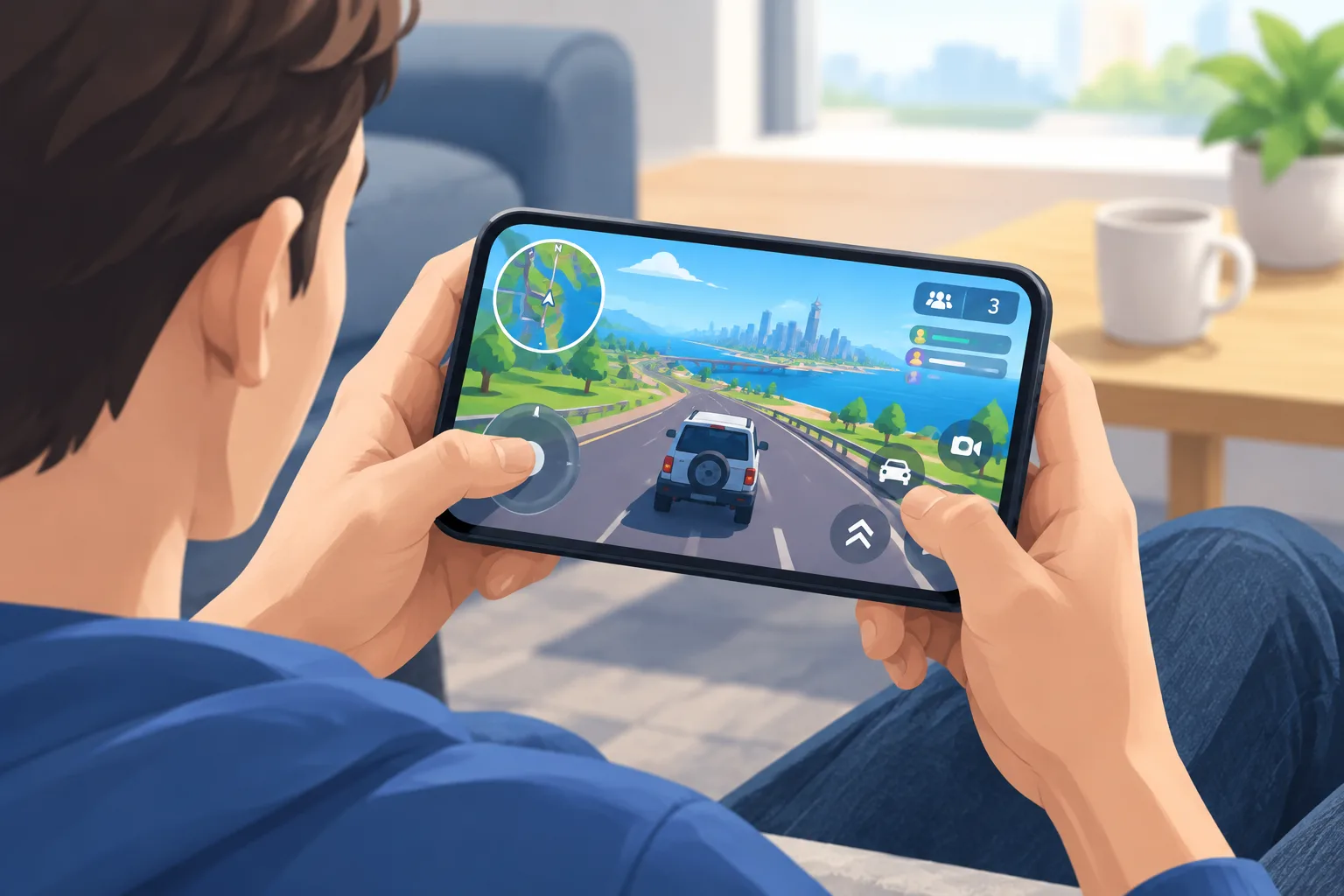
Hop.Earth includes multiplayer-related features that can be explored through supported browsers, although the exact experience may depend on current game updates and device performance. Mobile players interested in competitive or shared experiences can learn more through the multiplayer guide.
Frequently asked questions about Hop.Earth mobile
Do I need to install an app to play Hop.Earth?
No dedicated app installation is required if the game is available through the official browser experience. Players can access Hop.Earth through a compatible mobile browser.
Can older phones run Hop.Earth?
Older phones may have difficulty with complex browser-based experiences. Performance depends on the specific device, browser, available memory, and connection quality.
Does Hop.Earth have mobile controls?
Mobile play uses touchscreen interaction rather than traditional keyboard and mouse controls. Players may need a short adjustment period to become comfortable with movement and navigation.
Are there Hop.Earth redeem codes for mobile players?
No. Hop.Earth does not have a codes mechanism, so pages claiming to provide redeem codes are not part of the game’s known systems.
Where can I learn more about Hop.Earth features?
The Hop Earth Wiki provides guides covering core gameplay, driving, multiplayer, and related game topics. Start with the basics guide for an overview of the experience.
Final tips for the best Hop.Earth phone experience
Playing Hop.Earth on mobile works best when you treat your phone like a small gaming device: keep software updated, maintain a stable connection, close unnecessary apps, and give yourself time to learn the controls.
The experience combines browser technology, real-world map information, and exploration gameplay. With the right setup, a phone can become a convenient way to discover locations, practice driving, and explore the world from almost anywhere.
For the latest official game access, visit https://hop.earth. For community guides and explanations, continue exploring Hop Earth Wiki sections such as driving, multiplayer, and games like Hop.Earth.