
hop earth car not spawning
Hop.Earth Car Not Spawning: Recovery Checklist for a Missing Vehicle
Hop.Earth car not spawning? Work an ordered, player-tested recovery checklist covering drop state, map streaming, spawn points, refreshes and multiplayer sessions.
Hop.Earth Car Not Spawning: Recovery Checklist for a Missing Vehicle
If your Hop.Earth car is not spawning, the most likely explanation is that the vehicle is tied to a finished parachute drop and a settled position on the streamed real-world map. A vehicle that never appears is therefore usually a drop-state or map-streaming problem rather than a permanently lost car. Work the checklist below in order and stop as soon as the car returns.
Last reviewed against the live Hop.Earth build at the time of writing. Hop.Earth publishes no version numbers, so re-test these steps after any game update.
Quick answer: why is my Hop.Earth car not spawning?
Hop.Earth does not publish a vehicle-spawn specification, so no single cause can be confirmed. The consistent player-side pattern is that a car appears only after the parachute drop has fully ended and the ground beneath you has streamed in. If the terrain still looks flat or grey, the vehicle has nothing to sit on yet.
That distinction matters because the fix is different in each case. A drop that never finishes is a session-state problem; terrain that never finishes loading is a streaming problem; a car that appears and then vanishes is usually a refresh problem. Treat each symptom separately instead of cycling through every possible fix at once.
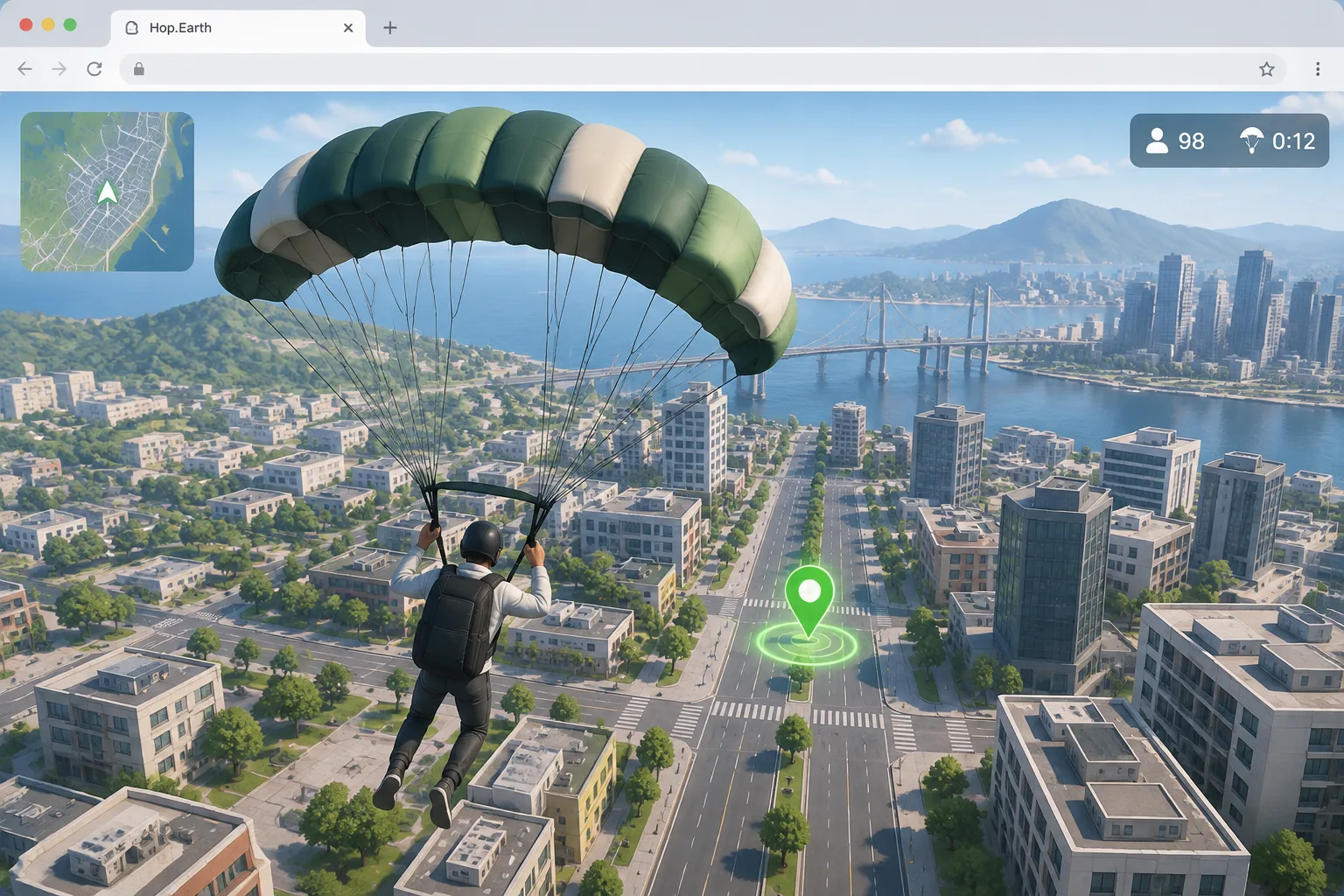
What "car not spawning" actually looks like
Players describe at least five different symptoms under the same phrase, and they do not share one cause:
- No vehicle at all. The drop ends, you land, and no car is ever offered.
- A delayed vehicle. The car appears several seconds after landing, or only after you move a short distance.
- A vehicle that disappears. The car shows up briefly and then vanishes when you change direction.
- A vehicle that spawns but does not respond. The car is visible, but Hop.Earth controls appear to do nothing.
- A vehicle that only appears in some sessions. Solo works, multiplayer does not — or the reverse.
Naming the symptom first saves time. Delayed and disappearing cars are usually the same underlying streaming story; a completely absent car after a clean landing is a different problem with a different starting step.
The ordered recovery checklist
Work top to bottom. Each step is deliberately small so you can tell which change actually made the difference, and so you do not reset your session five times for nothing.
1. Finish the drop completely
Do not open menus, switch tabs, or drag the camera during descent. Let the parachute animation end and let the camera settle on the ground before you touch anything. If you interrupt the drop, the session may never reach the state where a vehicle is placed, and reloading will not help until you let a full descent play out.
2. Change your spawn or drop point
Return to the selection step and pick a different location, ideally somewhere with clear roads rather than dense coastline or heavy forest cover. If a car appears at the new spot, your original location was the variable — not your browser, your device, or your connection. This is a fast way to separate a location problem from a systemic one.
3. Hard-refresh the page
A soft refresh often restores the previous session state instead of rebuilding it. Use a full reload (Ctrl+Shift+R on desktop, or close the tab and reopen the link) so the page rebuilds from scratch. This is the single step that most often brings a missing vehicle back, and it costs nothing to try.
4. Check whether the map finished streaming
A vehicle needs ground to stand on. If buildings, roads, and terrain are still popping in, the map is mid-load and the car may simply be queued behind it. Hop.Earth map not loading covers the streaming symptoms in more detail, including what a genuinely stuck map looks like compared with a slow one.
5. Test a solo session before blaming multiplayer
Open a fresh session on your own first. If the car appears solo but not in a multiplayer race, the issue is session-specific rather than account-wide, and you can rule out your device entirely. This is the quickest way to narrow a problem that otherwise looks random.
6. Try a different browser or a clean profile
Browser extensions, aggressive tracking protection, and heavily cached pages can all interrupt the resources Hop.Earth needs. Test in a second browser, or in a private window with extensions disabled. If that works, re-enable extensions one at a time so you can identify which one interferes.
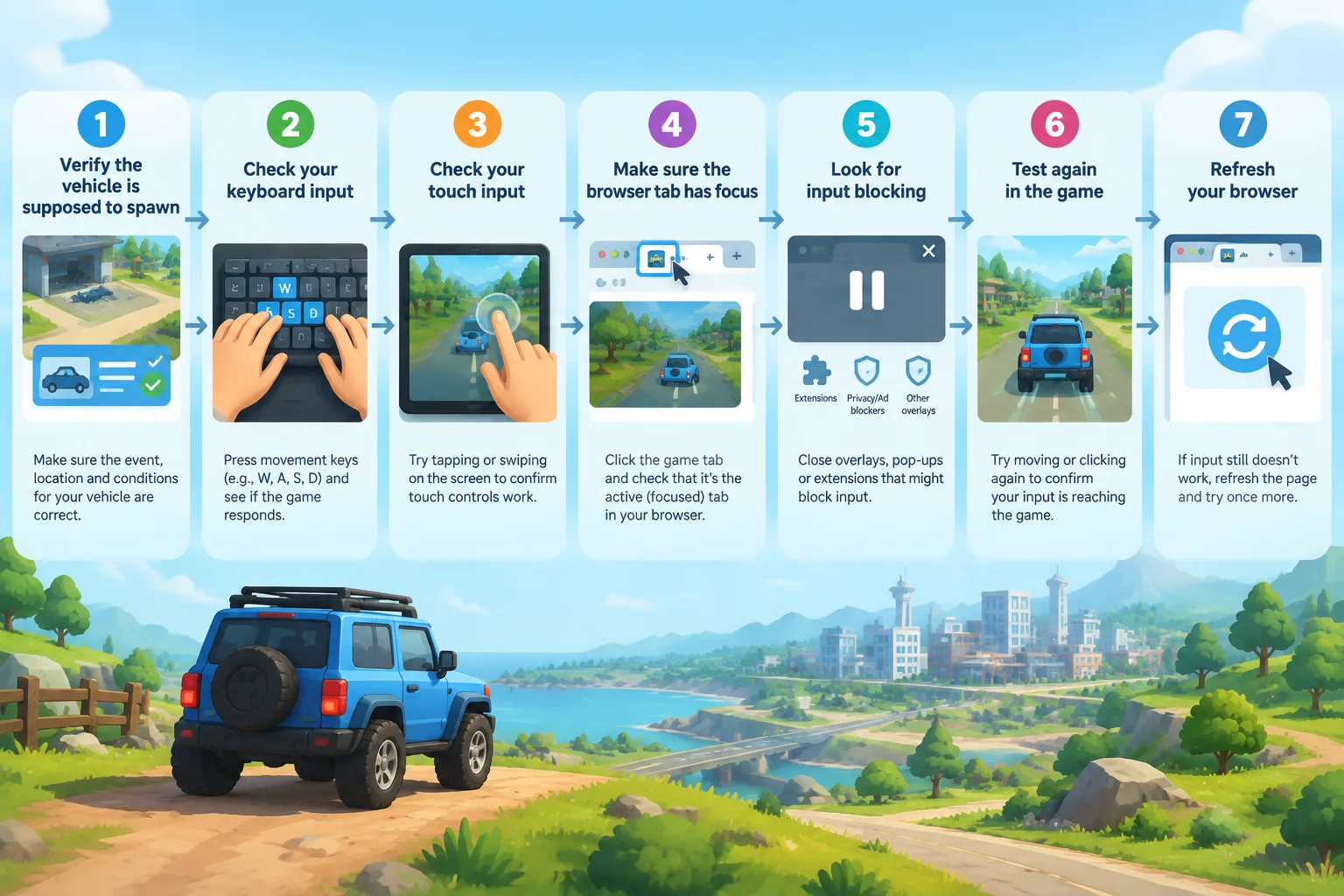
7. Confirm your input is registering
Some reports of a "missing" car are really reports of a car that will not move. Before you keep troubleshooting spawning, check that keyboard or touch input reaches the game at all, and that the browser tab has focus. Hop.Earth not working lists the general failure symptoms worth ruling out first.
Symptoms table: what you see and what to check first
| What you see | Most likely area | First step |
|---|---|---|
| No car at all after landing | Drop state | Replay the drop without interrupting it |
| Car appears several seconds late | Map streaming | Wait for terrain to finish, then reload |
| Car appears, then vanishes | Session state | Hard refresh and re-enter |
| Car visible but frozen | Input handling | Test keyboard or touch response |
| Solo works, multiplayer does not | Session type | Retry solo, then rejoin a race |
| Nothing loads at all | General connectivity | Start from the Basics page |
Verified mechanics versus community strategy
Keep these two categories separate, because only one of them can be described from the game's own observable behaviour.
What can be described from how the game behaves: Hop.Earth streams real-world map data and elevation into the browser, starts each session with a parachute drop, and places the player onto that streamed terrain. Multiplayer races happen in a shared session with other players. The project is developed in the open by DVLPLONDON, and the browser build is the primary way to play.
What is community strategy, not official guidance: recommended drop locations, the order in which to try reloads, claims that one browser performs better than another, and any statement about what the servers do internally. These are player-reported patterns. They are useful starting points, but they are hypotheses, and they can stop working after any update.
Nothing on this page should be read as a guaranteed fix. Hop.Earth changes without detailed patch notes, so a step that works today may be unnecessary tomorrow — and a step that fails today may work after the next build.
If the car still does not appear, what else can you try?
If every step above fails, stop troubleshooting inside the same session. The useful move is to change one variable at a time and note what happens: a different device, a different network, a different time of day, or a different drop zone. If the problem follows you across devices and networks, it is probably not something you can fix locally, and waiting for the next build is a reasonable choice rather than a failure.
Do not chase workarounds that promise to bypass the game's normal flow. There is no supported way to force a vehicle into existence, and third-party scripts or modified pages risk breaking the session entirely — including the parts that were working.
Related fixes on this wiki
- Hop.Earth not working — the general failure checklist for a session that will not start.
- Hop.Earth map not loading — streaming, terrain, and pop-in problems.
- Hop.Earth controls — confirming that your input actually reaches the vehicle.
- Hop.Earth driving guide — handling, braking distance, and route reading once the car is back.
- Hop.Earth multiplayer — races, shared sessions, and Season Zero context.
- Games like Hop.Earth — what to play while you wait for a build fix.
FAQ
Is there a button or command to summon the car?
No summon action is documented in Hop.Earth. Vehicles are placed as part of the normal session flow after the drop. If no car appears, the reliable approach is to reload the page and repeat the drop rather than hunt for a hidden command, and to treat any "spawn command" claim as unverified.
Does the car still spawn if I skip or interrupt the parachute?
There is no confirmed way to skip the drop, and interrupting it is the most commonly reported trigger for a session that never places a vehicle. Let the descent finish and the camera settle before you check for a car. Players who rush this step are the ones most likely to see an empty road.
Why does my friend get a vehicle and I do not?
Two sessions on the same map can still differ in how much terrain has streamed on each device. A faster connection, or a device that has already cached map tiles, may simply reach the spawn state sooner. Ask your friend to wait at the meeting point while you reload, then compare again.
Does clearing cookies or cache fix a missing car?
It can help, but it is not a guaranteed fix. A full page reload rebuilds the session state, which resolves many missing-vehicle reports; clearing site data is a stronger version of the same idea. Try it after a simple hard refresh, since clearing data also signs you out of anything stored locally.
Will my vehicle come back in the next session?
Usually the vehicle returns in a fresh session, because a missing car is a session-state symptom rather than a permanently removed item. Start a new session, complete the drop without interruptions, and let the terrain load. If the car is still absent across separate sessions and devices, note it and wait for the next build.
How do I know whether the problem is on my side?
Change one thing at a time. If the car appears after a hard refresh, the problem was local session state. If it appears in another browser but not your usual one, the problem is your browser configuration. If it never appears anywhere, the problem is outside your control.
Next step
Start with the plain version of the fix: open a fresh tab at hop.earth, complete the drop without interrupting it, and let the terrain settle before you decide the car is missing. If that works, you have your answer. If it does not, keep the symptom table above handy and come back to this page, because the checklist is revised as the live build changes. For the wider context of how sessions, spawning, and map streaming fit together, start from the Basics section of this wiki.