
Hop.Earth
Hop.Earth Official Link: Where to Play and Safe Starting Point
Find the only official Hop.Earth link (hop.earth). Learn where to play safely, avoid fake mirrors, and start your browser game without downloads or codes.
Hop.Earth Official Link: Where to Play and How to Start Safely
If you want to play Hop.Earth, the only official link is https://hop.earth/. This page is an independent fan wiki, not affiliated with the developer (DVLPLONDON). This wiki verifies every fact before publishing, and this guide was last verified on September 21, 2026. Use this page to find the safe starting point and avoid unofficial mirrors.
What is the official Hop.Earth link?
How do you start playing Hop.Earth?
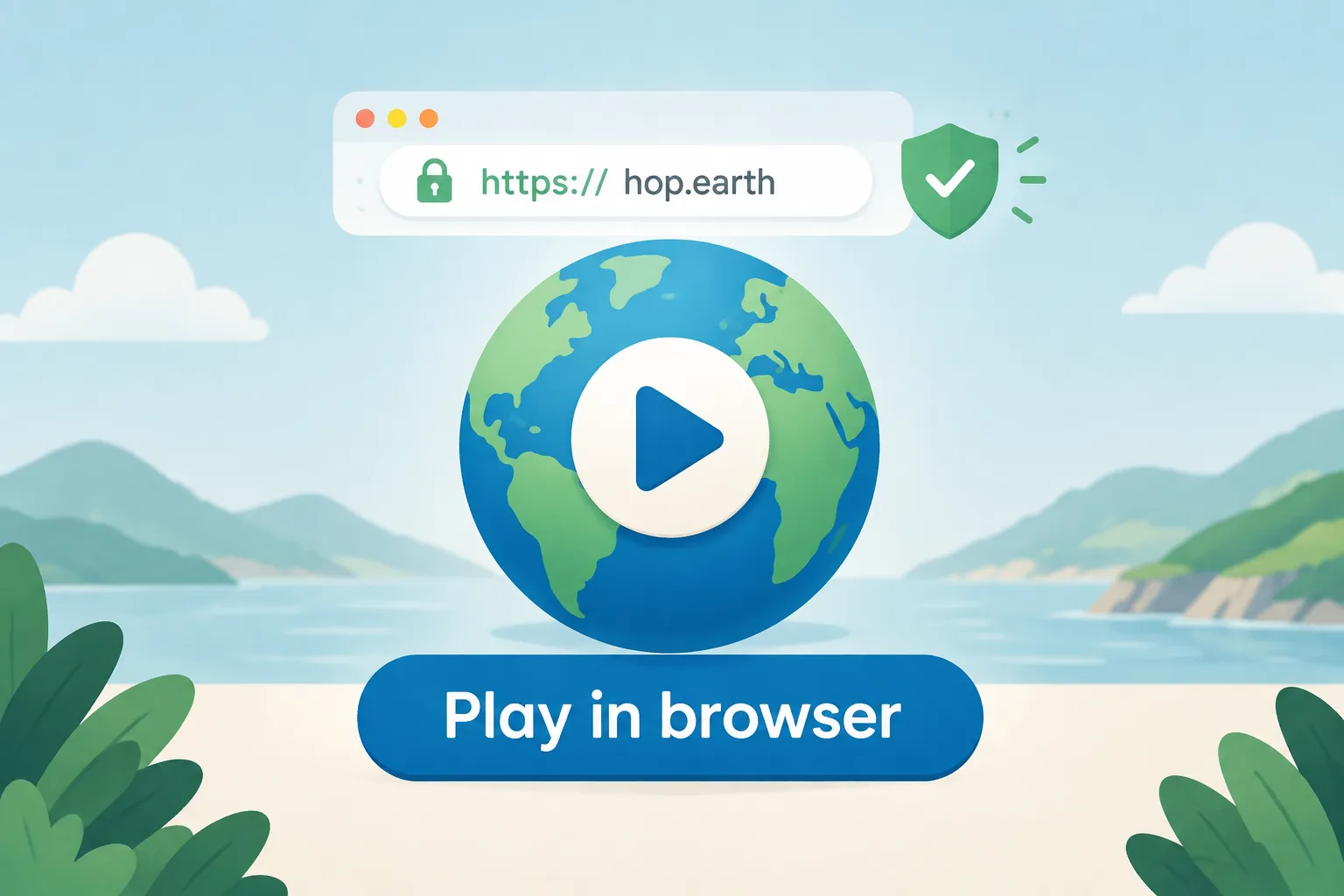
Visit https://hop.earth/ in a modern browser (Chrome, Firefox, Edge, or Safari). No download or account is required. You will parachute into a real-world map location and can summon a car to drive. For a detailed walkthrough, see the guide on how to play Hop.Earth.
Step-by-step first launch
- Open your browser and go to https://hop.earth/.
- Wait for the map to load. The game streams real-world map data, so a stable connection helps.
- Choose a spawn point by parachuting. You can steer during the drop.
- Once you land, summon a car using the in-game control (usually a key press or on-screen button).
- Drive around and explore. The world is based on OpenStreetMap and satellite elevation data.
If the page does not load, check that your browser supports WebGL and that you are not using a script blocker that prevents map streaming.
Is Hop.Earth safe to play?
Hop.Earth runs entirely in your browser using WebGL and streaming map data. It does not require a download, and the official site does not ask for payment or personal information to play. However, unofficial sites may bundle malware or fake clients. For a full safety breakdown, read is Hop.Earth safe.
Do you need to download Hop.Earth?
No. Hop.Earth is a browser game. You do not need to download any file, installer, or app from the official site. If a website offers a “Hop.Earth download,” it is not the official source. The page on Hop.Earth download explains why browser play is the only supported method.
Some players search for a mobile APK or an offline version. Neither exists officially. On mobile, you can play through your mobile browser at https://hop.earth/. Performance depends on your device and connection, but no app installation is needed.
What should you do if Hop.Earth isn't loading?
First, check your internet connection and try a different browser. Disable extensions that block WebGL or heavy scripts. If the official site is down, wait and try again later. For general troubleshooting and browser requirements, see the basics section.
If the game loads but runs slowly, try lowering your browser zoom, closing other tabs, or switching to a wired connection. Mobile players may need to disable battery saver mode. These steps often resolve temporary performance issues without any downloads.
Where can you find Hop.Earth driving tips and multiplayer guides?
Once you are in the game, you can practice handling and routes. The driving guide covers car control, terrain navigation, and efficient routes. The multiplayer hub explains races, Season Zero, and how to join sessions. For similar browser games, browse games like Hop.Earth.
These resources are maintained by the community and label verified mechanics separately from player-discovered strategies. For example, car handling physics are part of the game, while “best shortcuts” are community tips that may change with updates.
How can you tell if a Hop.Earth link is official?
You can also look for the developer’s name, DVLPLONDON, in the page footer or about section. Third-party sites rarely include accurate developer information. When in doubt, return to this wiki’s basics section or go directly to https://hop.earth/.
Frequently Asked Questions
What is the official Hop.Earth link?
The official link is https://hop.earth/. It is the only place to play the game directly from the developer. This wiki is independent and not affiliated with the official site.
Is Hop.Earth free to play?
Yes, Hop.Earth is free to play in your browser. The official site does not require payment or a subscription. Be cautious of any site that asks for payment to access the game.
Do I need to download Hop.Earth?
No. Hop.Earth runs entirely in a modern web browser. You do not need to download any installer, app, or file. Any site offering a download is not the official source.
Is Hop.Earth safe on mobile?
Hop.Earth can be played on mobile browsers, but performance depends on your device and connection. The official site does not require an app download. For safety, always use the official link.
Start playing at the official link
Ready to play? Go to the official site: https://hop.earth/. For more guides on driving, multiplayer, and browser setup, explore the basics section. Remember: this wiki is fan-made, and the only official link is the one above.