
hop earth vehicles
Hop Earth Vehicles Guide: Cars and Driving Basics
Fan-made Hop Earth vehicles guide covering cars, car list categories, summoning, garage, driving basics, multiplayer races, and common fixes.
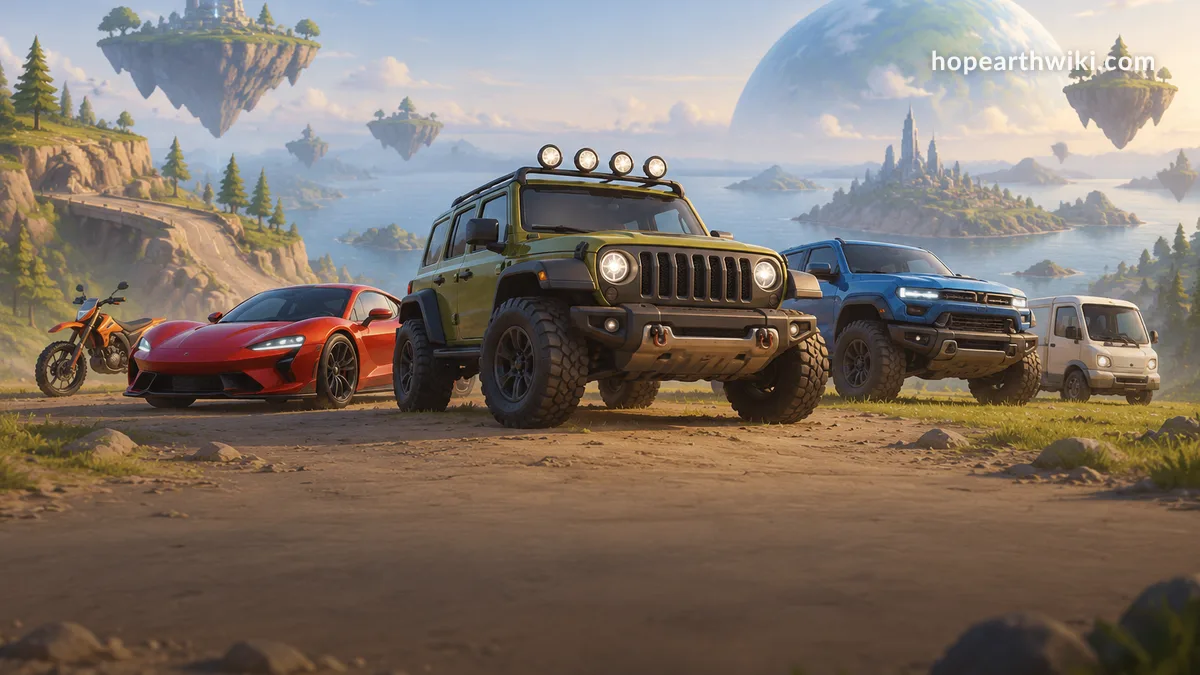
Hop Earth Vehicles Guide: Cars and Driving Basics
Hop Earth vehicles are the cars you can summon in Hop.Earth, the browser game that streams real-world map data into a drivable planet. This fan-made wiki guide covers hop earth cars, the practical car list, garage and summoning behavior, driving basics, multiplayer races, and common fixes. Hop.Earth has no codes mechanism; if a page offers redeem codes, ignore it.
Last reviewed: May 7, 2026, against the public browser build and community notes. Hop.Earth can update without notice, so if a menu label differs, trust the live game.
Verified mechanics: Hop.Earth runs in a browser, uses real-world map streaming, includes parachute drop and spawn selection, car summoning and handling, and multiplayer races/Season Zero. Community strategy (unverified): exact car names, spawn rates, and 'best' routes can change between builds and sessions. Test them yourself before treating them as fixed.
What are Hop Earth vehicles?
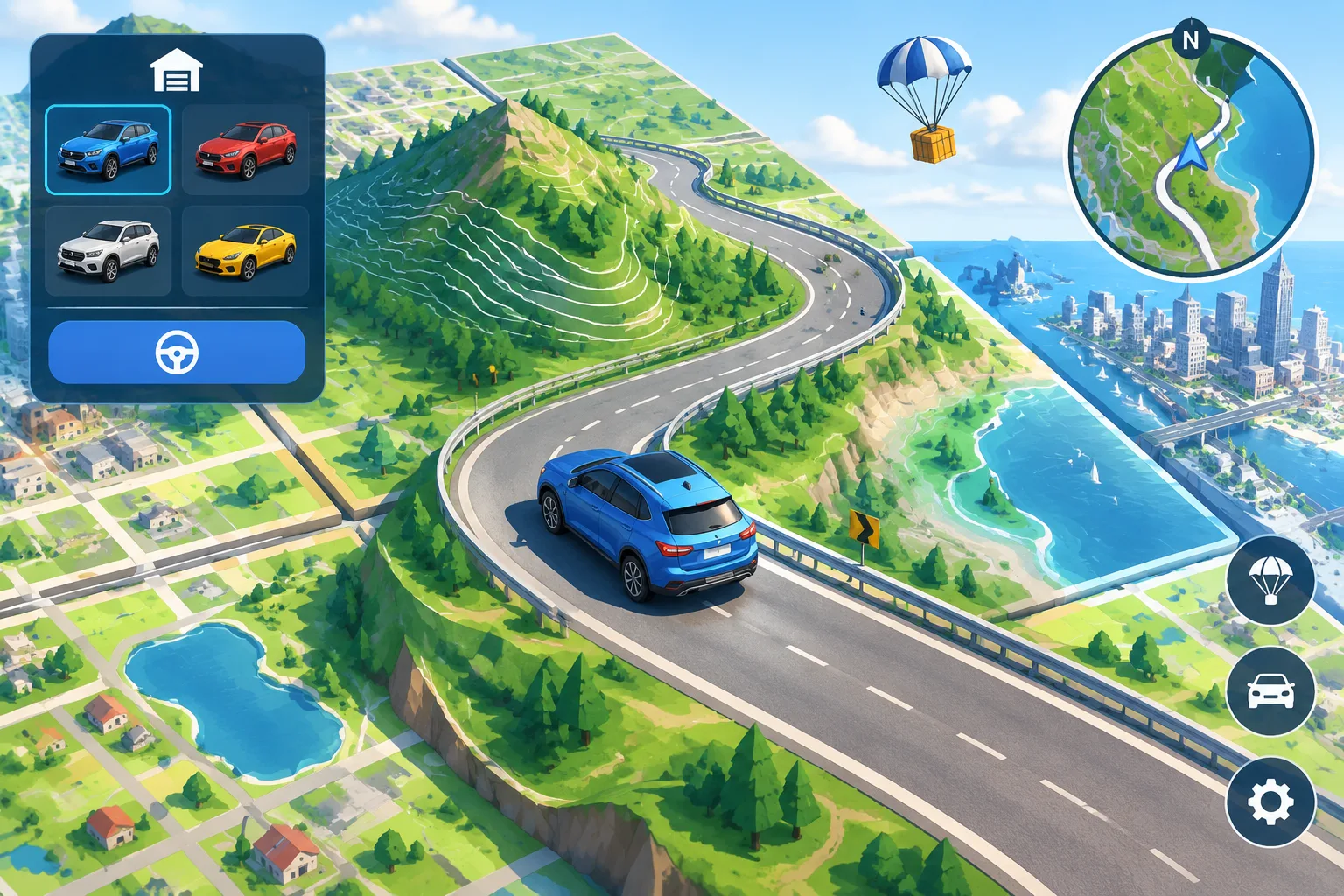
Hop Earth vehicles are the drivable cars you can summon after landing in the game world. They let you move faster than walking, cross long routes, and race other players in multiplayer. The vehicle system is tied to the map stream, so handling and availability can change by location and build.
Vehicles are not just cosmetic. They change how you experience the map. A short-wheelbase car can turn tightly in city streets, while a heavier vehicle may feel more stable on long highway runs. Because Hop.Earth streams real-world map and elevation data, the same car can feel different on a flat coastal road and a mountain switchback.
If you are new, start with the Hop Earth basics page, then practice in a low-traffic area before joining a race. The goal is not to memorize a meta; it is to learn how your car reacts when the tile loads, when the road narrows, and when another player cuts the corner.
Hop Earth car list: what cars can you drive?
There is no permanent, official car list in the browser build. The practical Hop Earth car list is organized by vehicle role rather than model names, because the game streams real-world map data and can update vehicles between builds. Treat any fixed list you see online as community notes, not developer documentation.
The table below uses community categories, not official model names. Use it to choose a role for the route you want to drive.
| Vehicle role (community category) | Best for | Driving notes |
|---|---|---|
| Compact / hatchback | City streets, tight turns, short deliveries | Quick steering; lower top speed on long highways |
| Sedan / coupe | Mixed roads and medium routes | Balanced grip and speed; can struggle on rough terrain |
| SUV / crossover | Uneven roads, light off-road, bad weather | Stable but slower to change direction |
| Pickup / truck | Long straight routes and heavy terrain | Strong straight-line feel; braking distances feel longer |
| Off-road / buggy | Dirt, hills, and map edges | Good climbing feel; less precise on smooth roads |
| Performance / sports | Multiplayer races and open highways | High speed; mistakes cost more time |
If you search for 'hop earth car list' and find a page with dozens of branded cars, check whether it names a build date and a source. Without that, it is likely guesswork. The safest approach is to open the game, land in a familiar area, and cycle through the vehicles your current session offers.
How do you summon a car in Hop Earth?
To summon a car in Hop Earth, land from the parachute drop, open the vehicle or summon control, and choose an available car. The exact button label varies by device and build. If no car appears, check that you are on a road or flat surface and that the map tile has loaded.
Steps that work in most sessions:
- Finish the parachute drop and wait for the ground textures and buildings to load.
- Move to a road, parking lot, or flat open area. Steep slopes and dense buildings can block a spawn.
- Open the vehicle menu or press the on-screen car button.
- Select a vehicle. If the list is empty, wait a few seconds and reopen it.
- If nothing happens, refresh the page and try again on a different road tile.
If the car still will not appear, read the Hop Earth car not spawning fix. That guide covers connection checks, browser cache, and map-loading workarounds.
Hop Earth driving basics: controls, speed, and terrain
Hop Earth driving basics come down to three inputs: accelerate, brake or reverse, and steer. Speed is easy on straight roads but risky on slopes and tight corners. The map stream adds real-world terrain, so a route that looks flat on the minimap may have steep elevation in the 3D view.
Use the live control prompts for your device. Desktop browsers typically show keyboard hints, while mobile browsers show touch buttons. Do not assume a control from another browser game will map exactly; check the Hop Earth controls notes and the in-game help.
Three habits separate clean drivers from crash-prone ones:
- Brake before the corner, not inside it. Heavy vehicles need more space.
- Aim for the center line on blind hills. Elevation changes can hide oncoming traffic or sharp drops.
- Let the map load. Driving into unloaded tiles can cause stutters, rubber-banding, or a temporary loss of control.
For more route-level advice, see the Hop Earth driving guide and Hop Earth driving tips.
Hop Earth garage and vehicle selection explained
The Hop Earth garage is best understood as your current vehicle selection, not a permanent collection of purchased cars. You switch or summon vehicles from the in-game controls when the build allows it. Because the game is browser-first, the garage state may reset when you refresh or change sessions.
Verified: Hop.Earth includes car summoning and handling as part of the playable loop. Community observation (unverified): some players expect a garage with saved cars, upgrades, or a persistent inventory. In the public browser build, that is not how vehicle access is normally presented. If you see a garage-style panel, treat it as a session tool for picking a car, not a long-term account feature.
Practical garage tips:
- Refresh the page if the vehicle list looks empty or stuck.
- Change location before assuming a car is missing; some tiles block spawns.
- Keep one vehicle role in mind for the route ahead: compact for cities, SUV for rough edges, performance for races.
- Avoid third-party 'garage unlock' sites. Hop.Earth has no codes mechanism, and no legitimate code page exists.
Hop Earth multiplayer: cars and races
Hop Earth multiplayer puts multiple players on the same streamed map for races and free driving. Cars matter because acceleration, grip, and recovery time decide close finishes. Expect network latency and map loading to affect the start more than raw speed, especially on mobile browsers.
Before joining a race, close unused tabs and apps. On mobile, a stable Wi-Fi connection usually beats a weak cellular signal for map streaming. If you spawn late, do not panic-accelerate into traffic; let the tile finish loading, then pick a clean line.
For race formats and Season Zero context, read the Hop Earth multiplayer page. If you want similar browser driving games after a session, the games like Hop Earth list is a useful next stop.
Why is my Hop Earth car not spawning or driving?
Common Hop Earth car problems include cars not spawning, controls not responding, and heavy lag when the map streams. Most fixes start with a hard refresh, a stable connection, and a lower browser load. If the car still does not appear, move to a flat road tile and try the summon control again.
| Problem | Quick check | Fix |
|---|---|---|
| Car will not spawn | Are you on a road or flat area? | Move to a clear road tile, refresh, and reopen the vehicle menu |
| Controls feel stuck | Is another tab or overlay capturing input? | Click the game canvas, close modal windows, and reload |
| Heavy lag on mobile | How many tabs are open? | Close background apps, use Wi-Fi, and lower browser load |
| Multiplayer desync | Is your connection stable? | Rejoin the session and wait for the map tile to load |
| Vehicle list empty | Did the session fully load? | Refresh, change location, and try again |
What to practice first as a new driver
New drivers should practice three skills before racing: smooth acceleration, early braking, and recovery after a bad turn. Start on wide roads with few intersections. Once you can hold a line for 30 seconds without touching a wall, move to hills and multiplayer races.
A simple practice route:
- Spawn near a straight road and summon a compact or sedan.
- Accelerate gently and practice stopping at a fixed point.
- Drive a short loop with two turns, then repeat it in the opposite direction.
- Add a hill or bridge once the flat loop feels boring.
- Only then join a multiplayer race.
This progression builds the map-reading skill that Hop.Earth rewards. You are not just learning a car; you are learning how the streamed world loads around you.
Hop Earth vehicles FAQ
What are Hop Earth vehicles?
Hop Earth vehicles are the cars you can summon and drive in the browser game. They are used for faster travel, exploring streamed real-world locations, and competing in multiplayer races. Vehicle availability and handling can change between builds, so always check the current in-game controls.
Is there an official Hop Earth car list?
No stable official car list is published on the official site. The practical list is community-made and changes as the browser build updates. Use role-based categories such as compact, SUV, truck, and off-road instead of memorizing model names that may not appear in your session.
How do I get a car in Hop Earth?
Land from the parachute drop, wait for the map tile to load, then use the summon or vehicle control. On mobile, tap the car button; on desktop, use the on-screen prompt. If nothing happens, move to a road or flat area and try again.
Why is my car not spawning in Hop Earth?
Your car may not spawn because the map tile has not loaded, you are on steep or blocked terrain, or the session lost connection. Refresh the page, check your network, and try a flatter road. Our car not spawning fix covers deeper troubleshooting.
Does Hop Earth have a garage?
Players use 'garage' to describe the vehicle selection or summon area. It is not a permanent paid inventory in the public browser build. Treat garage state as session-based: refreshing or joining a new server may reset the vehicle you had selected.
Can you drive in Hop Earth multiplayer?
Yes. Hop Earth multiplayer includes driving and races on the same streamed map. Other players can see your car, and race outcomes depend on handling, route knowledge, and connection quality. Mobile players should close extra tabs to reduce lag before joining.
Does Hop Earth have redeem codes for cars?
No. Hop.Earth has no codes mechanism, so there are no legitimate redeem codes for cars, vehicles, or garage items. Any page offering Hop Earth codes is unreliable. Use the official site and this wiki for vehicle help instead.
Where to go next
Ready to put these Hop Earth vehicles tips into practice? Open the official game at hop.earth, then use our driving guide and multiplayer notes to plan your next route. Start with a short road loop, then try a hill or race once your controls feel stable.